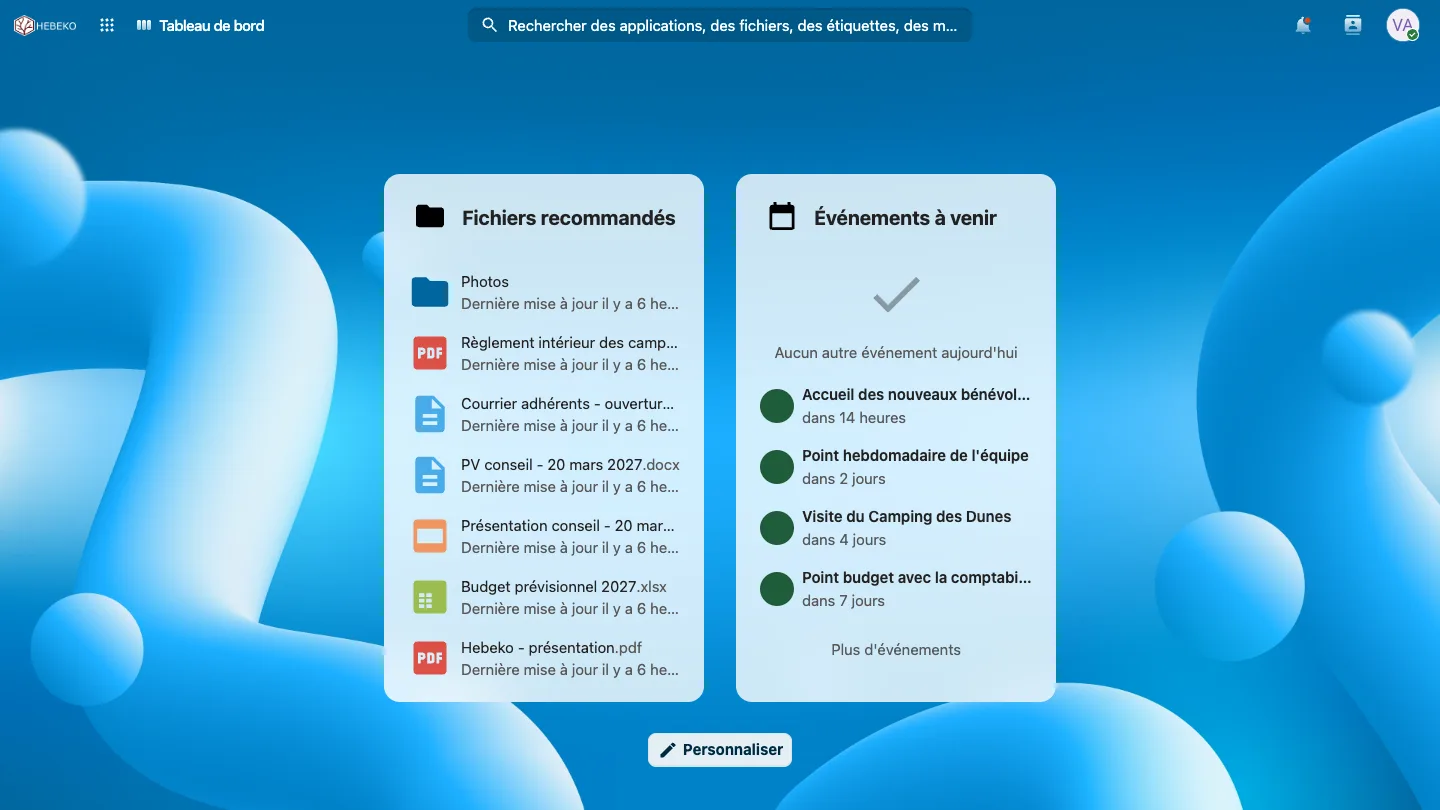
A working day after the migration
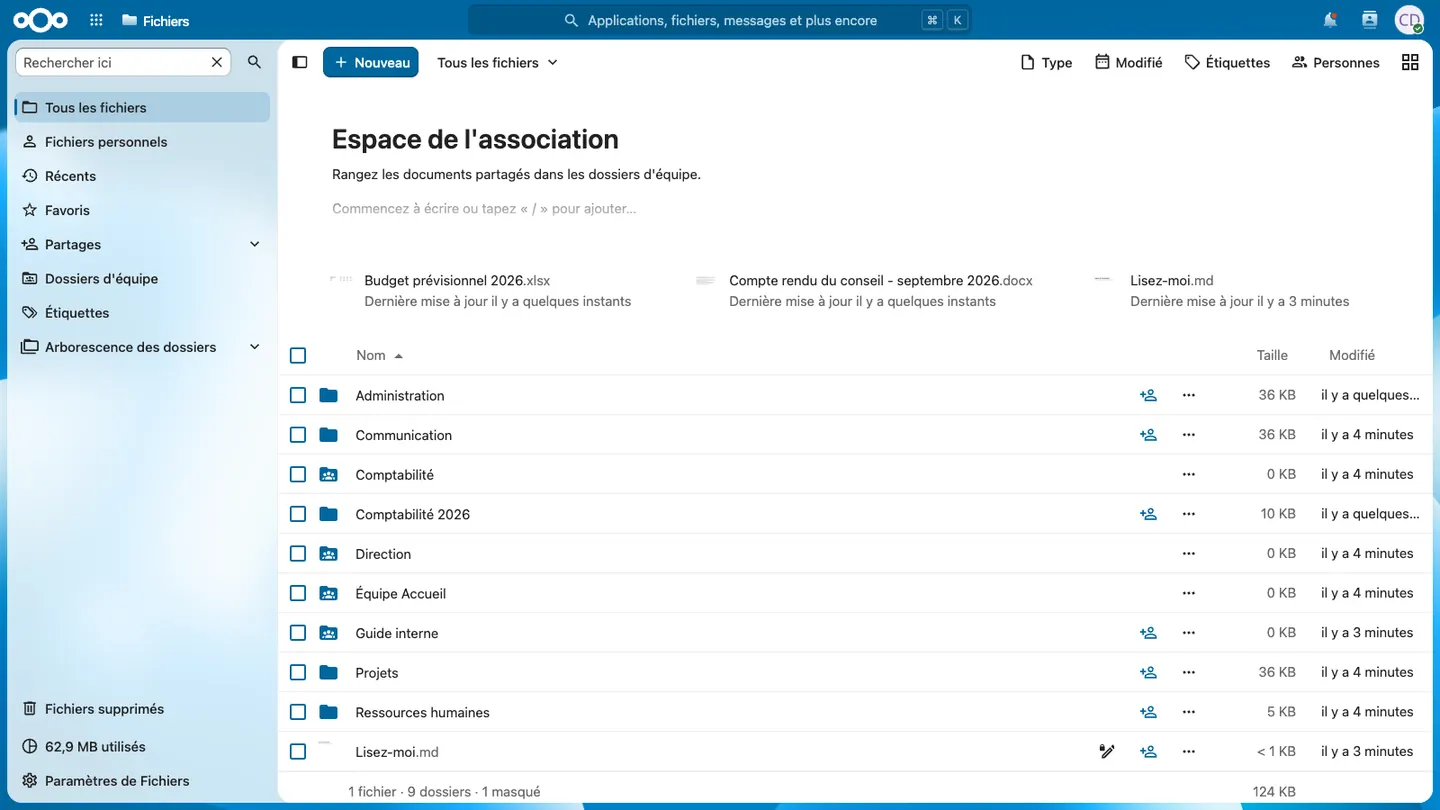
Team folders replace OneDrive and SharePoint
Each department finds its folders, with the same permissions. Files sync to Windows, macOS or Linux desktops, as with OneDrive.
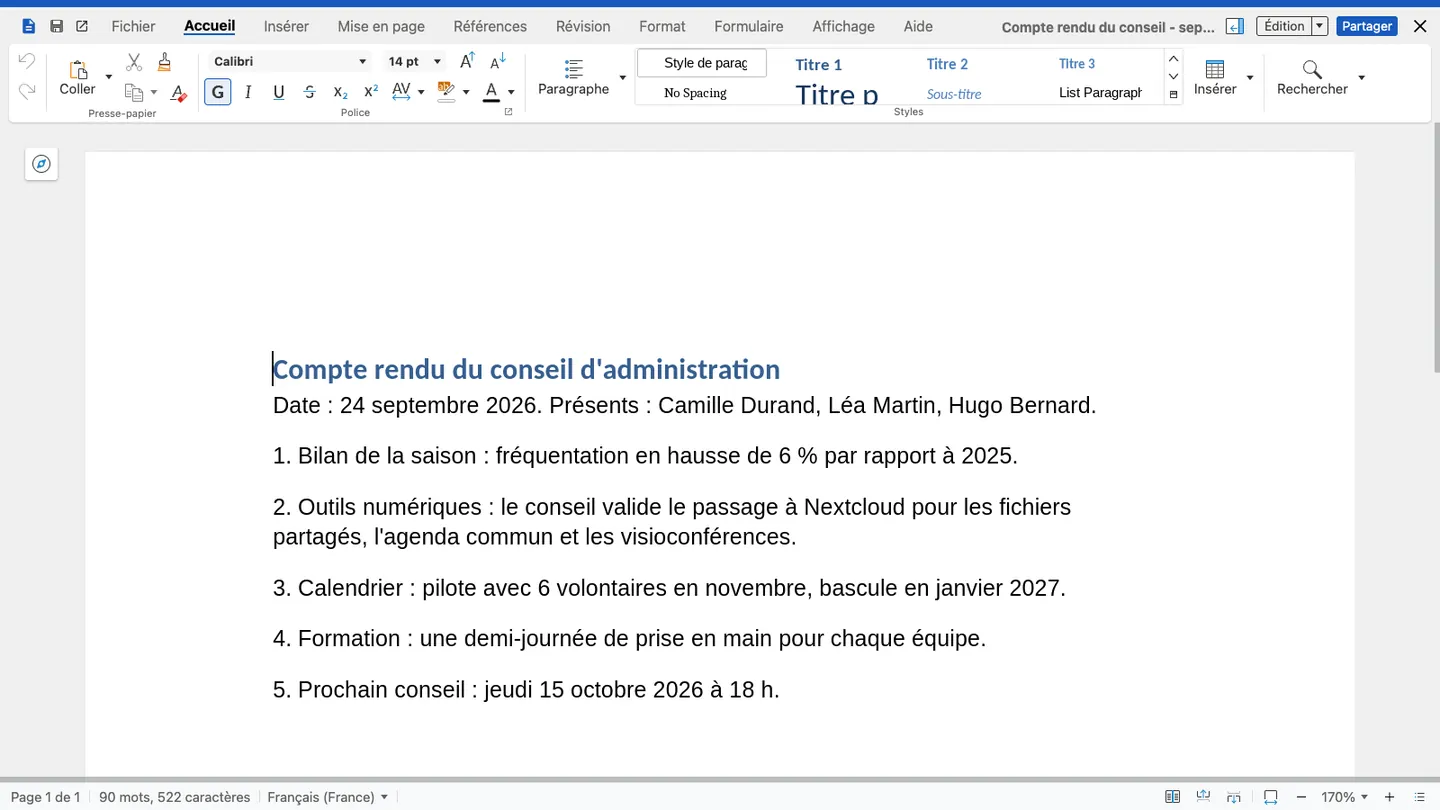
Word, Excel and PowerPoint files stay readable
.docx, .xlsx and .pptx files open in LibreOffice on the desktop, or are edited together in the browser. Complex files are tested during the pilot.
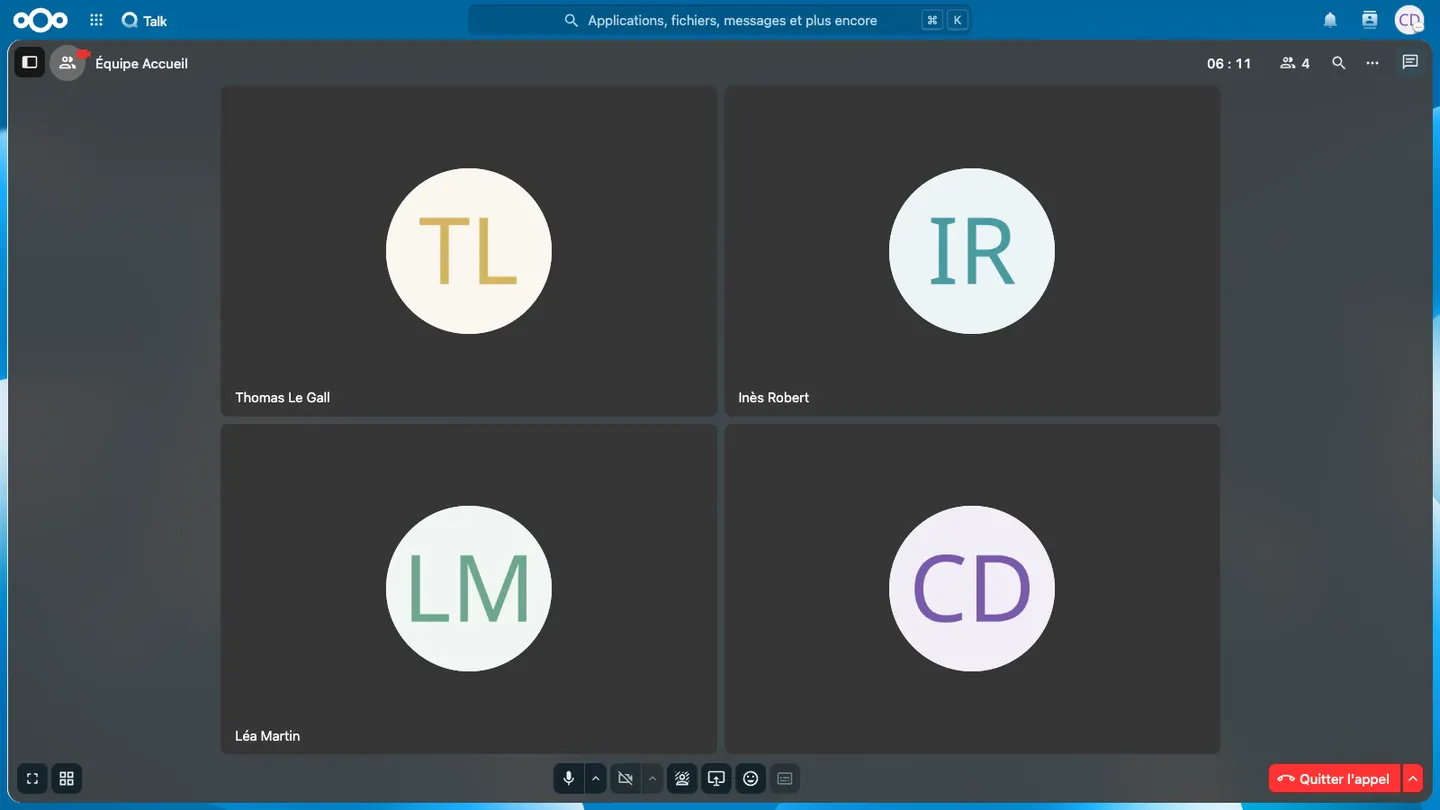
Meetings move from Teams to Talk
Team chats, video calls and screen sharing, from the browser or a phone. An outside guest joins a meeting through a link, with no account.
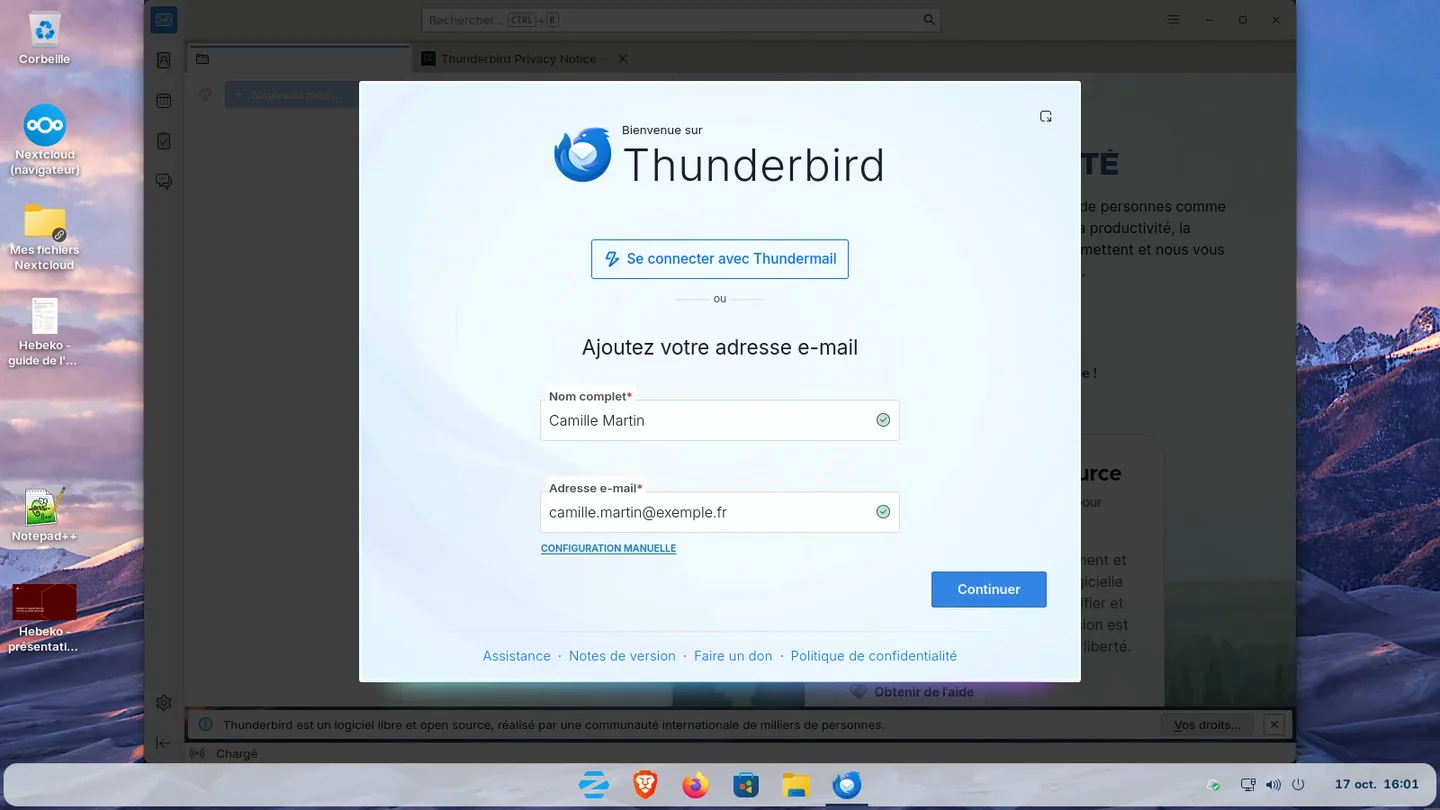
Mailboxes, calendars and contacts are migrated
Mailboxes, calendars and contacts are copied to a European provider. Everyone keeps their address and finds their messages in Thunderbird or webmail.
During the first conversation, we show you this working day on our demo space, with files, documents, video calls and email.
Several options, depending on your organisation
Nextcloud or La Suite numérique
Nextcloud brings files, editing, video calls and calendars together on one server. La Suite numérique (Docs, Fichiers, Visio) mainly suits the public sector. Both can run side by side.
LibreOffice, Collabora or OnlyOffice
LibreOffice on desktops, Collabora or OnlyOffice for online editing. OnlyOffice when Office files must keep an exact layout.
Hosted email or your own servers
Zimbra at OVHcloud or Infomaniak for email with no on-call duty, Mailcow or Stalwart on your servers if a team runs them.
Windows today, Linux later
The new tools run on Windows and macOS. Desktops can move to Linux later: Zorin OS, Ubuntu, Debian or Linux Mint.
The choice is made during the audit, based on your usage, budget and IT team.
Tool-by-tool mapping
Every Microsoft 365 tool has an open source replacement. The table gives the one we install by default, then the other options.
| Microsoft 365 | Default replacement | Alternatives |
|---|
| OneDrive | Nextcloud Files and desktop sync client | Fichiers (La Suite numérique) |
| SharePoint, documents | Nextcloud team folders, permissions per department | |
| SharePoint, intranet | Nextcloud Collectives | XWiki |
| Word, Excel, PowerPoint | LibreOffice | OnlyOffice |
| Office for the web | Nextcloud Office (Collabora or Euro-Office) | OnlyOffice Docs, Docs (La Suite numérique) |
| Outlook, Exchange | Email hosted by a European provider (mail, calendars, contacts) | Free software mail server (Mailcow), Thunderbird as client |
| Teams | Nextcloud Talk | Matrix (Element), Visio and Tchap for the public sector |
| Planner | Nextcloud Deck | |
| Forms | Nextcloud Forms | |
| Excel used as a database | Nextcloud Tables | Grist |
| Entra ID | Nextcloud accounts with two-factor authentication | Keycloak, ProConnect |
| Intune | Central desktop management with Ansible | Landscape (Ubuntu) |
Default choices, adjusted during the audit to how you work.
Migration steps
- Audit and scoping: inventory of licences, data volumes, desktops and business applications. You receive a migration plan and a firm quote.
- Foundation: servers rented in your name, collaboration tools (Nextcloud or La Suite numérique), video conferencing, email, backups and monitoring.
- Pilot: a few volunteers use the new tools for 4 weeks.
- Tool switch: copy of OneDrive and SharePoint files, mailboxes and calendars, user training, switch over a weekend.
- Linux desktops (optional): reference image and rollout in waves.
- Acceptance and handover: documentation and autonomous internal referents.
Tools change first, on the existing Windows desktops. Desktops then move to Linux if you want to. You sign off each phase.
Not migrated
- Only the latest version of each file is copied, without its history.
- Teams conversations, exported and archived separately.
- Windows-only business applications: web version, a Windows desktop kept, or remote access, case by case.
Microsoft 365 stays available read-only for 2 to 3 months after the switch.
Hosting and reversibility
Servers are rented from a French host (OVHcloud by default), in your organisation's name. Hebeko operates them with delegated access. Data and accounts remain your property, and you can change provider.
SharePoint external sharing changes in 2026: see our article on the end of SPO OTP and the Nextcloud alternative.