Office 2016 and Office 2019 have received no security patches since 14 October 2025, Office 2021 since 13 October 2026. Microsoft sells no extension. To stay with Microsoft, you have to buy Office 2024 or move to a Microsoft 365 subscription. LibreOffice, free and licence-free, opens and saves your Word, Excel and PowerPoint files, on Windows as well as Linux.
Versions concerned
| Version | End of support |
|---|---|
| Office 2016, Visio and Project 2016 | 14 October 2025 |
| Office 2019, Visio and Project 2019 | 14 October 2025 |
| Exchange Server 2016 and 2019 | 14 October 2025 |
| Office 2021 and Office LTSC 2021 | 13 October 2026 |
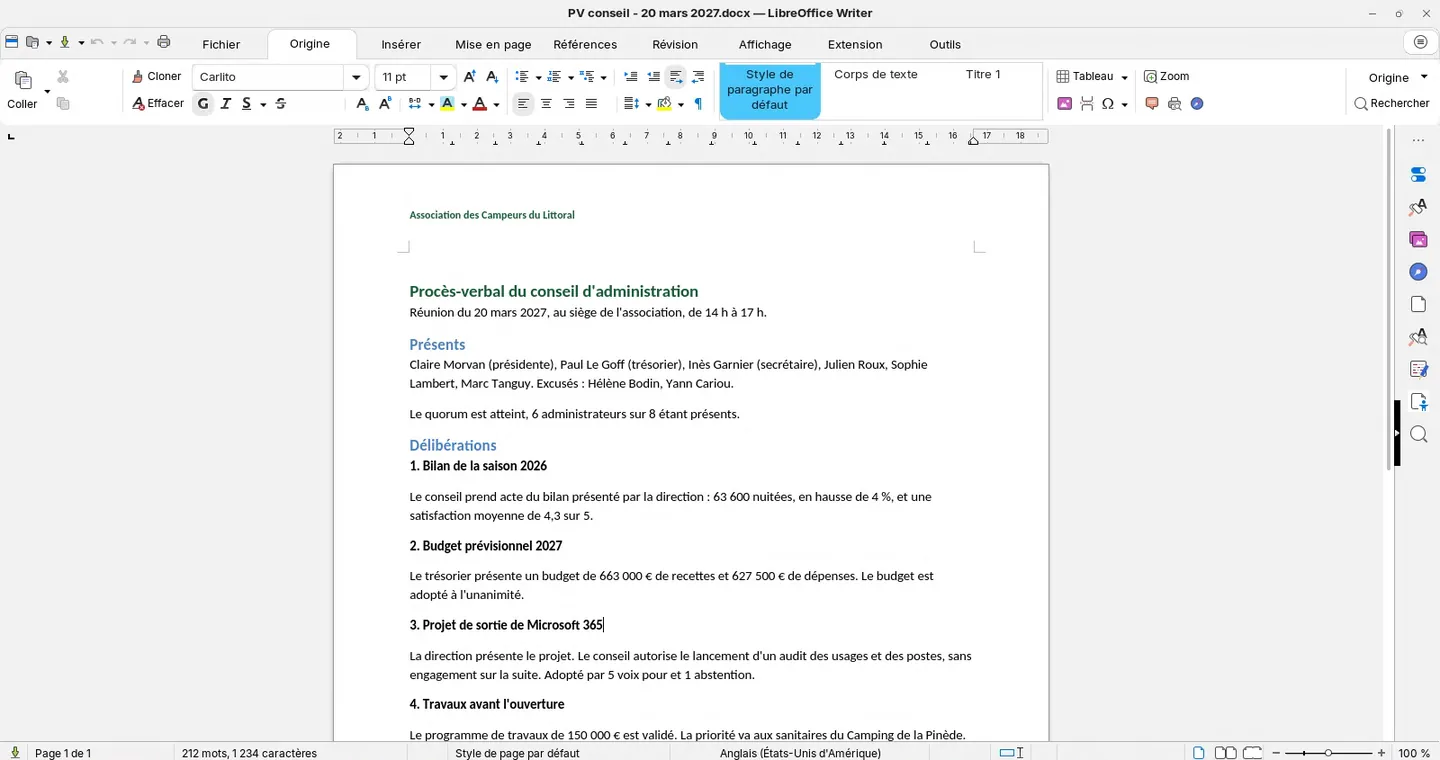
To check the version installed on a computer, open Word, then File › Account › About Word.
These programs keep working, but a flaw found in Word or Excel stays open. And they open attachments from outside every day. Keeping them without patches is not an option.
Microsoft makes you pay again
Office 2024 is bought again computer by computer and is only maintained until October 2029. The same question will come back in three years.
Microsoft 365 is a subscription per user and per month. Its prices rose by 8 to 33% depending on the plan on 1 July 2026, and your files are stored at Microsoft. The details of the increases are in our article on the cost of leaving Microsoft 365.
LibreOffice opens your files
LibreOffice reads and saves .docx, .xlsx and .pptx files. It installs on your current Windows computers and also runs on Linux, if the computers change system later. There is no licence and no subscription, whatever the number of computers.
To work on the same document together, Nextcloud Office opens the same files in the browser, with simultaneous editing.
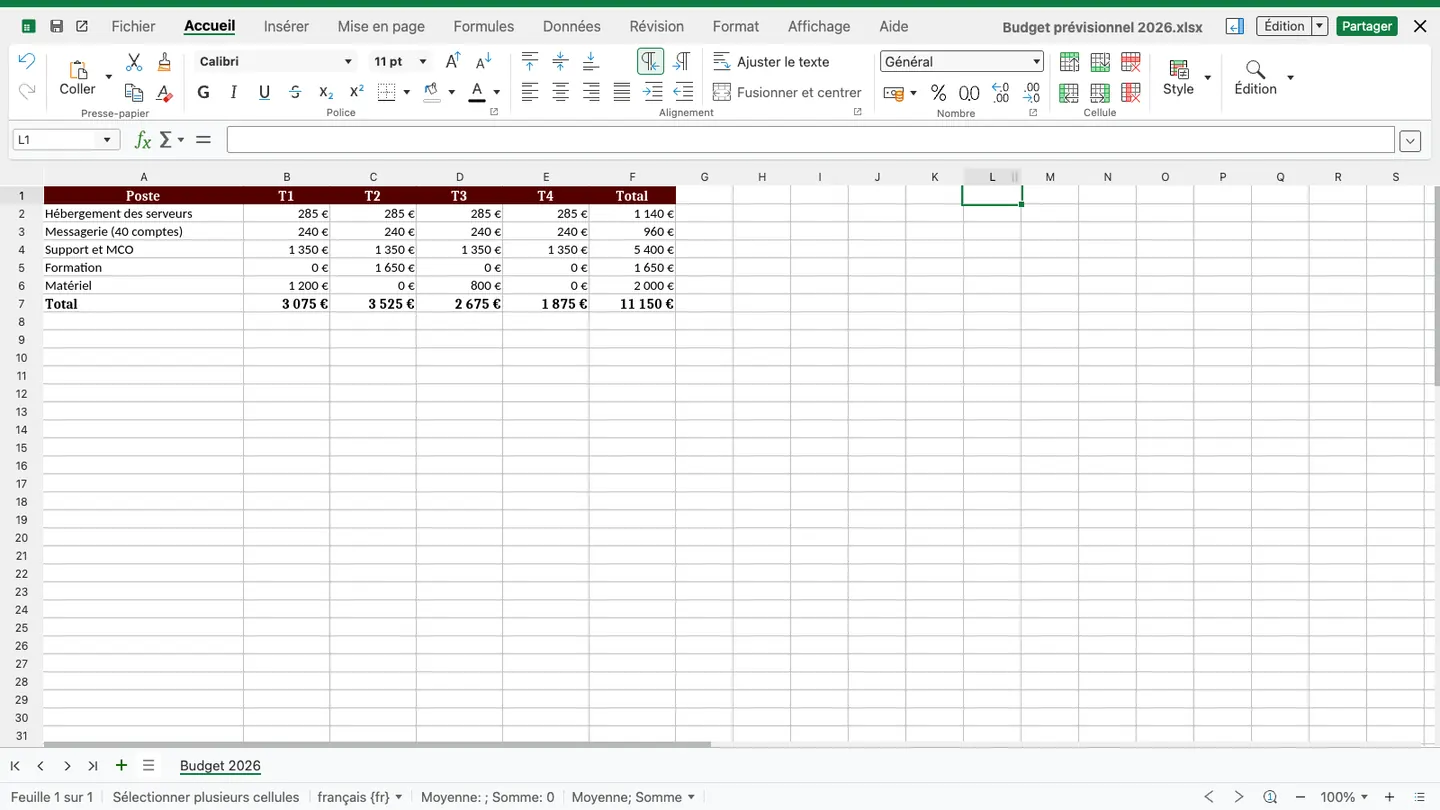
Excel files with macros and templates with complex layouts are checked before the switch. LibreOffice runs part of VBA macros, the others need adapting. A computer that depends on a business macro file can keep its Office licence.
The move in practice
- List the Office version on each computer, then the macro files and templates used every week.
- Open these files in LibreOffice and note those that cause problems.
- Install LibreOffice for a few volunteers for three to four weeks.
- Train users just before the switch.
Our Zorin OS training spends half a day on LibreOffice, and the Microsoft 365 page describes a complete exit, files and mail included.
What about Exchange Server?
Exchange Server 2016 and 2019 have not been maintained either since 14 October 2025. A mail server exposed to the Internet without patches is a high risk. Replacement options, hosted in Europe or installed on your premises, are on our mail page.
Sources
- End of support for Office 2016 and Office 2019, Microsoft
- Support for Office LTSC 2021 and additional apps will end on October 13, 2026, Microsoft 365 message center MC1278920
- Microsoft Office 2021: support ends October 13, 2026, with no extended updates, heise
- Office 2024 and Office LTSC 2024 FAQ, Microsoft
- Microsoft 365: price rises for businesses and the public sector, Next
- Working with VBA macros, LibreOffice help