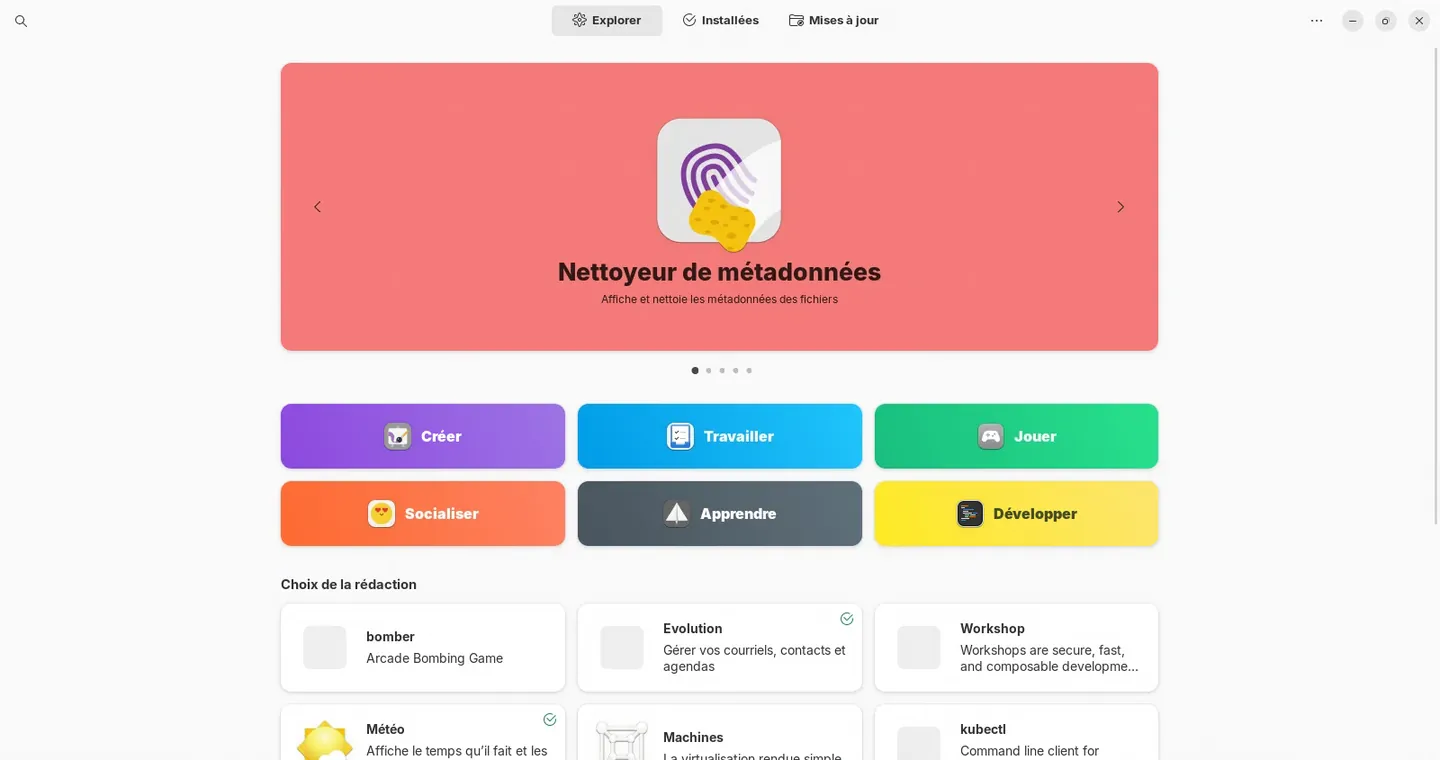
Several distributions, depending on your fleet
Zorin OS 18
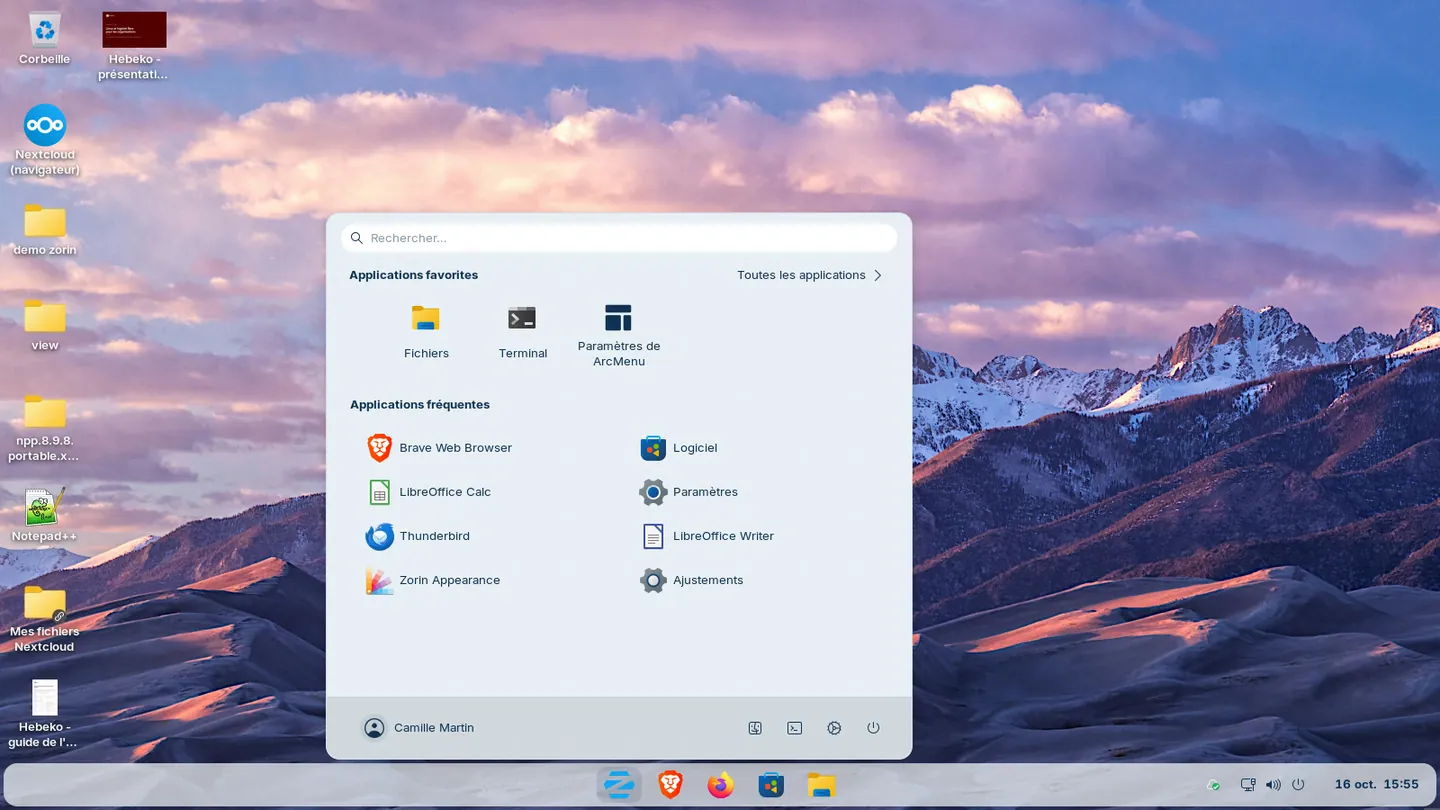
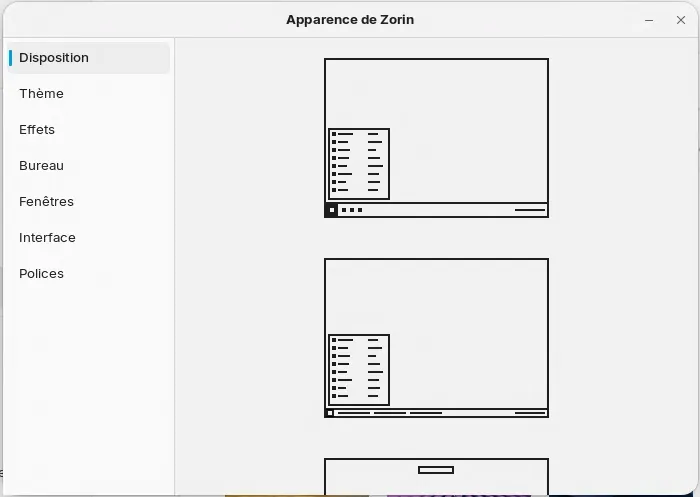
For users used to Windows. Based on Ubuntu 24.04 LTS, supported until June 2029. Our default choice for a small organisation.
Ubuntu LTS
For a managed fleet and business software certified for Ubuntu. 5 years of standard support.
Debian 13
Community distribution with no commercial publisher, for stable desktops and servers. About 5 years of support with Debian LTS.
Linux Mint 22
Community distribution with a classic desktop, based on Ubuntu. Supported until April 2029.
NixOS
For a technical team that wants a versioned, reproducible configuration. A stable release every 6 months.
Sécurix and Bureautix
Sensitive and office desktops of the French State, experimental at DINUM. We contribute to them.
Zorin OS is based on Ubuntu LTS, so a desktop can move back to Ubuntu if the Zorin project stopped. The city of Échirolles has been moving its desktops to Zorin OS in stages since 2024: see our article on Zorin OS and Échirolles.
Common concerns
The same concerns come up before every move to Linux. The table gives the answer we provide during the migration.
| Concern | Our answer |
|---|
| "Users will be lost" | A Windows-like desktop, half a day of training just before the change and on-site help the next day. |
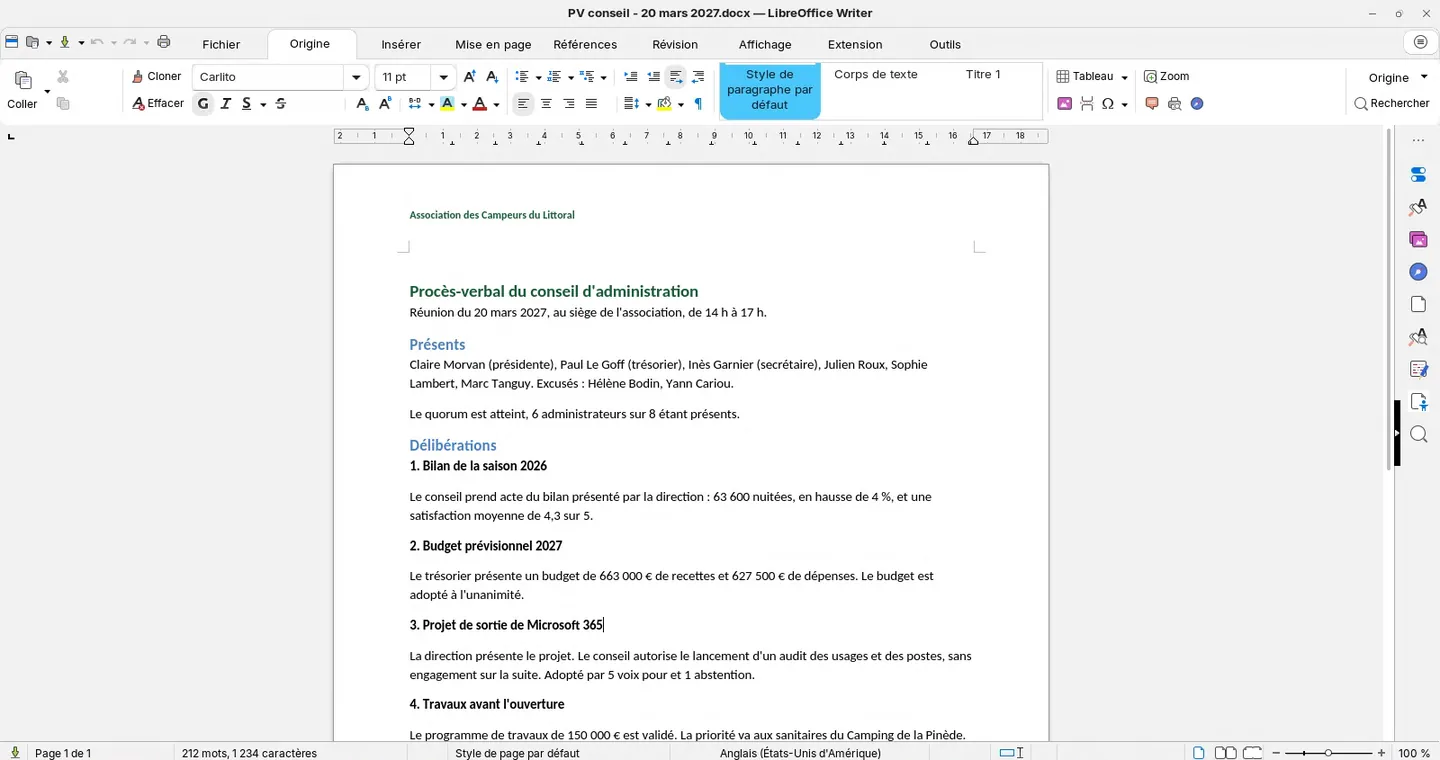
| "Our Word and Excel files will no longer open" | LibreOffice opens and saves .docx, .xlsx and .pptx. Complex files are tested during the pilot. |
| "Our business software only runs on Windows" | Web version, a Windows desktop kept for the people who need it, or remote access, chosen during the audit. |
| "Our computers are too old" | Linux runs on most machines rejected by Windows 11. Every model is tested during the audit. |
| "Printers will not work" | Every printer and scanner is checked before the rollout. |
| "Everything will change at once" | Tools change first, then desktops, with a pilot before each switch. |
| "Who will look after it afterwards?" | Two trained referents in-house, and Hebeko for support, MCO or managed services. |
Migration order
Tools change first, on the existing Windows desktops: files and video calls with Nextcloud, email, office software. Desktops then move to Linux once users have found their bearings. The first stage is detailed on our Microsoft 365 exit page.
The stages
A migration runs in six phases. You sign off each one before the next.
| Phase | Content | Sign-off |
|---|
| 1. Audit, weeks 1 to 3 | Interviews with each department, inventory of desktops, printers and business applications, Microsoft 365 usage, data sorting | Audit report, migration plan and quote |
| 2. Foundation, weeks 4 to 6 | Servers rented in your name, Nextcloud or La Suite numérique, video calls and email, two-factor authentication, backups and monitoring | Successful backup restore |
| 3. Pilot, weeks 7 to 10 | About 6 volunteers on the new tools for 4 weeks, 2 of them on Linux, with weekly feedback | Volunteer feedback addressed |
| 4. Tool switch, weeks 11 to 14 | Copy of files, email and calendars, training for all users, switch over a weekend, Hebeko on site on Monday morning | Tool acceptance |
| 5. Linux desktops, weeks 15 to 20 | Reference image, rollout in waves of about 10 desktops, training just before each wave | Acceptance for each wave |
| 6. Acceptance and handover, weeks 21 to 23 | Acceptance on your scenarios, operations documentation, autonomous referents | Final sign-off |
This timeline matches about forty desktops. It is set after the audit, around your busy periods.
Training
Users take two half-days, just before each change: one on the Linux desktop, the other on Nextcloud and email. Groups of 6 to 8, exercises on their own documents, a cheat sheet and on-site help the next day.
Two referents take two days of administration: accounts and team folders, reinstalling a desktop, printers, first diagnostics. See our training courses.
After the migration
Three service levels: support when something goes wrong, MCO to maintain and monitor, managed services to hand over all your IT. The level can change every year. Details on our services.
Try a Linux desktop in 5 minutes
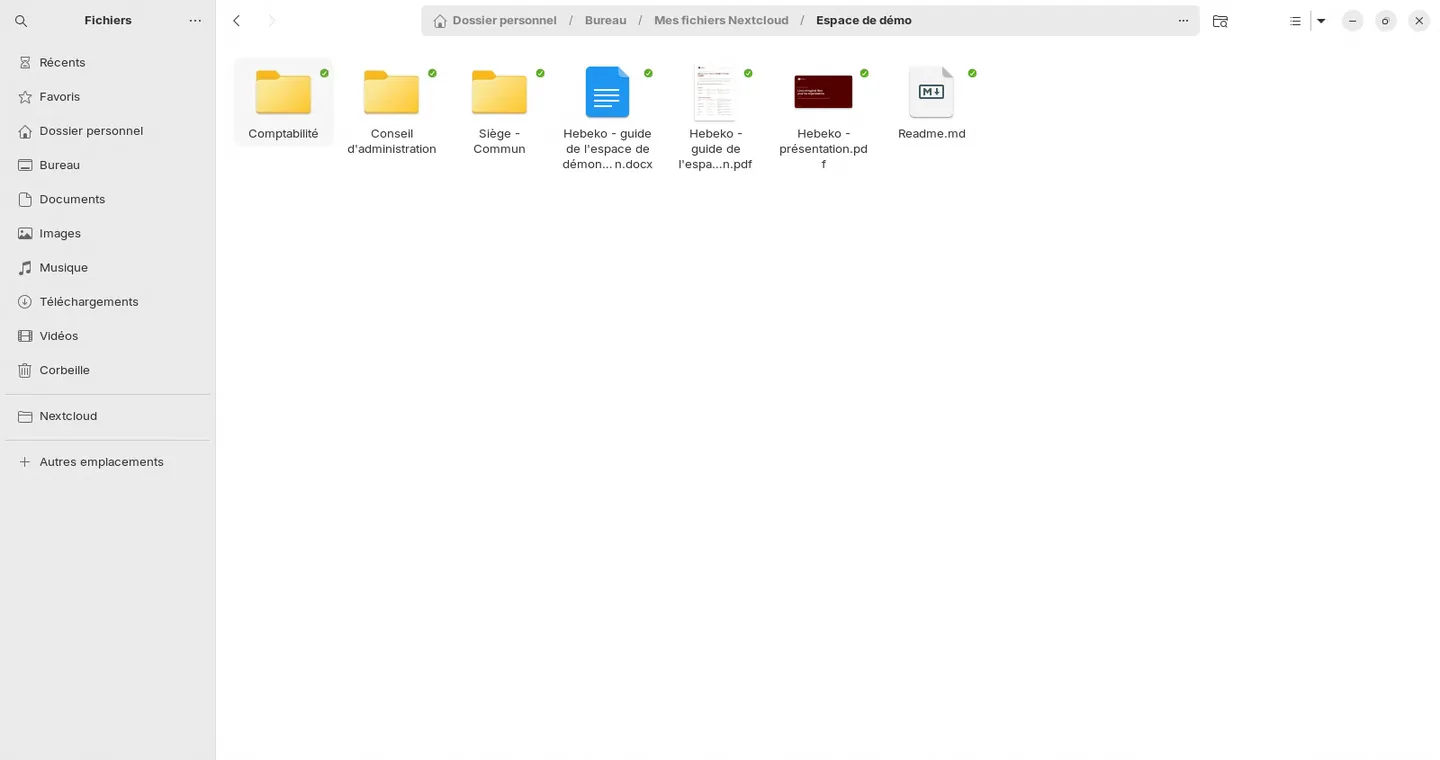
On request, we open a Zorin OS desktop for you in your browser, with LibreOffice and demo Nextcloud files, with no installation on your side.