Files, video calls and online office

Nextcloud, the free software alternative to OneDrive, SharePoint and Teams

Nextcloud brings file storage and sharing, collaborative document editing, video calls, calendars and forms together on one server. It is free software, installed on a server rented in your organisation's name. As a Nextcloud integrator, Hebeko installs it, migrates your files from Microsoft 365 or a file server, keeps it up to date and trains your teams.

Request a demo Our services

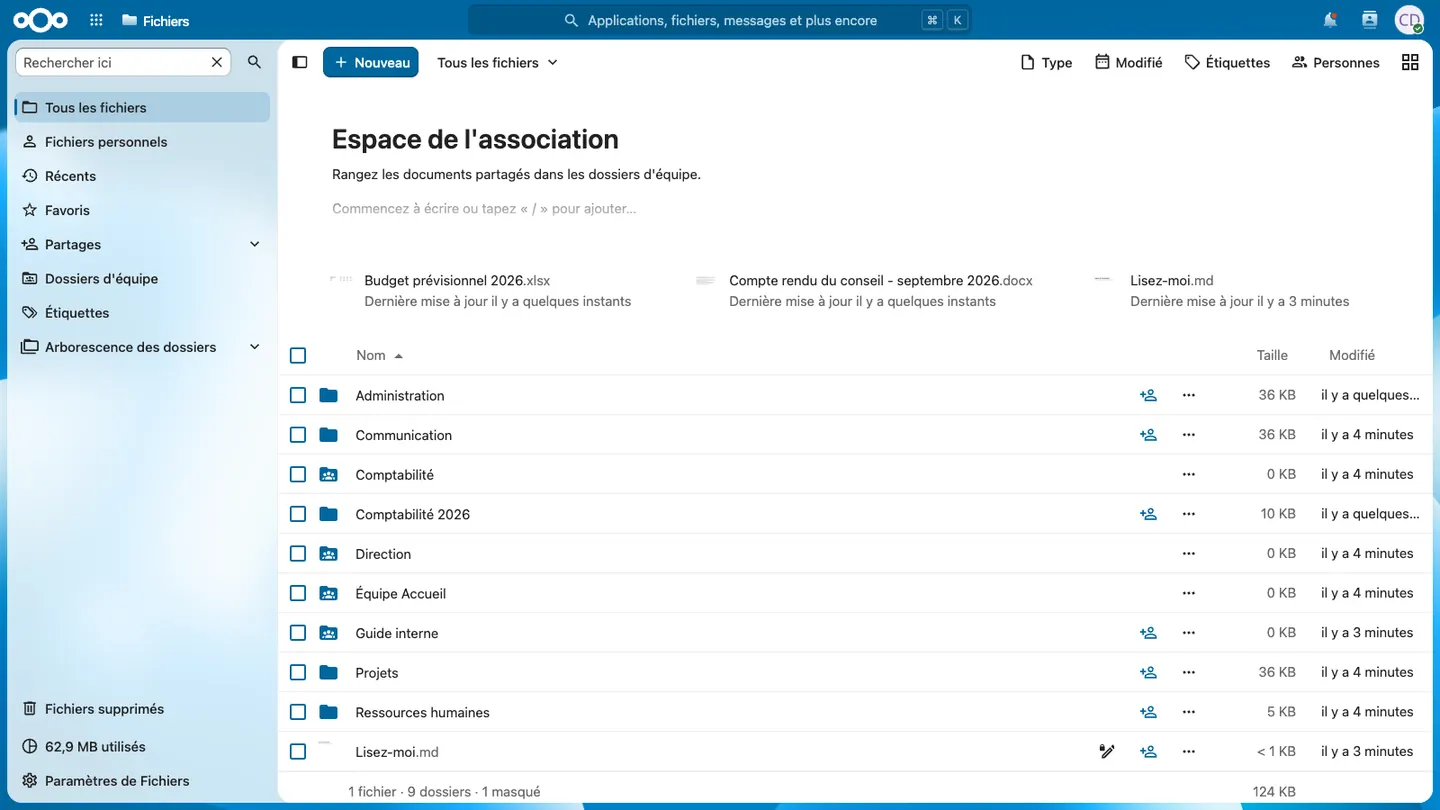
Nextcloud Files with a non-profit's team folders
A non-profit's Files space, with one folder per committee.

Nextcloud in October 2026

Version 35
Hub 26 Summer, released on 16 September 2026
4 months
between two major versions, each maintained for one year
AGPLv3
free software licence, no per-user licence
400,000
active accounts on Nuage, the French Ministry of Education's Nextcloud, in July 2026
Day to day

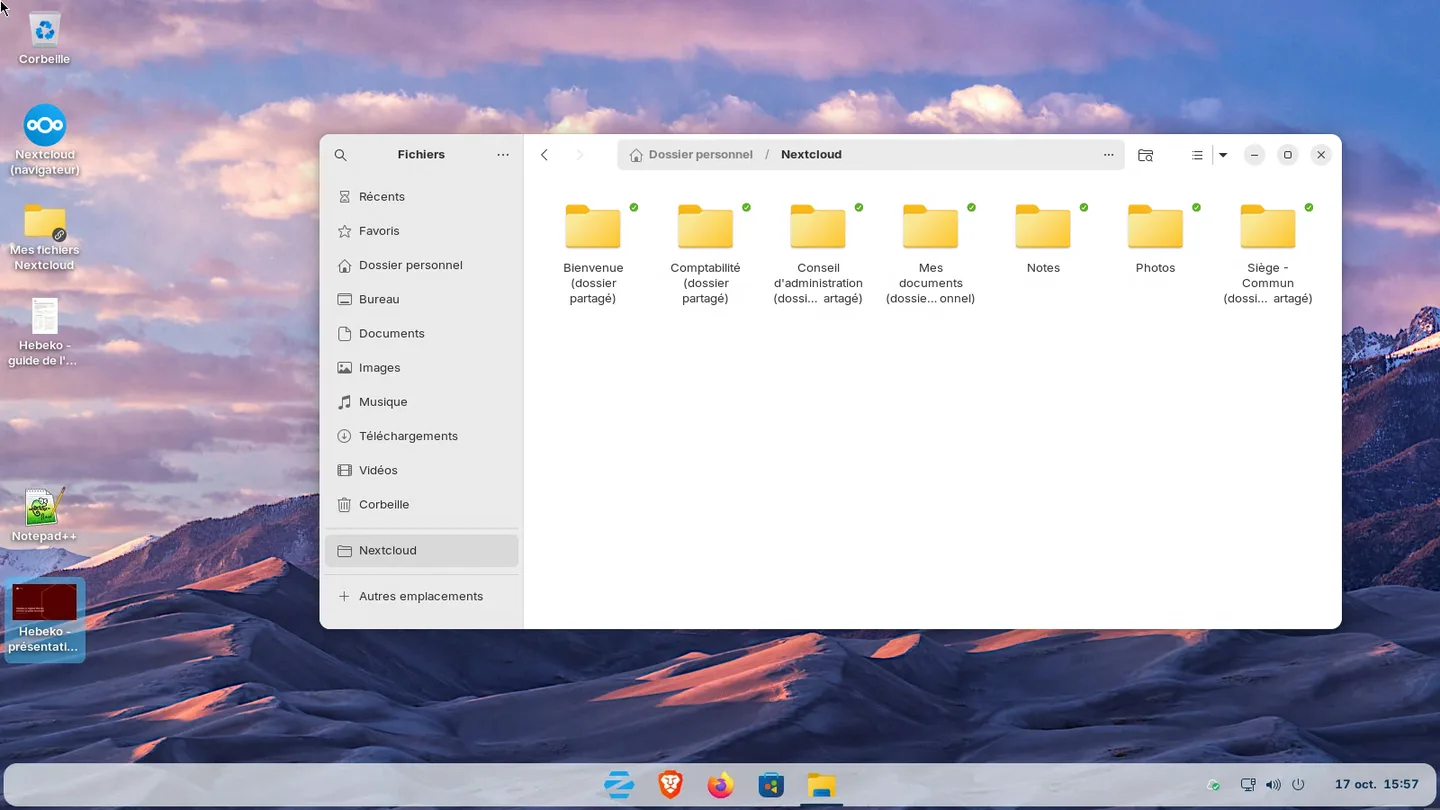
Nextcloud folders synced in the Zorin OS file manager

Files, in the browser and on the computer

Each department has its team folder, with group permissions, instead of SharePoint sites. The sync client puts these folders in the file manager, on Windows, macOS and Linux. External share links can be protected with a password and an expiry date.

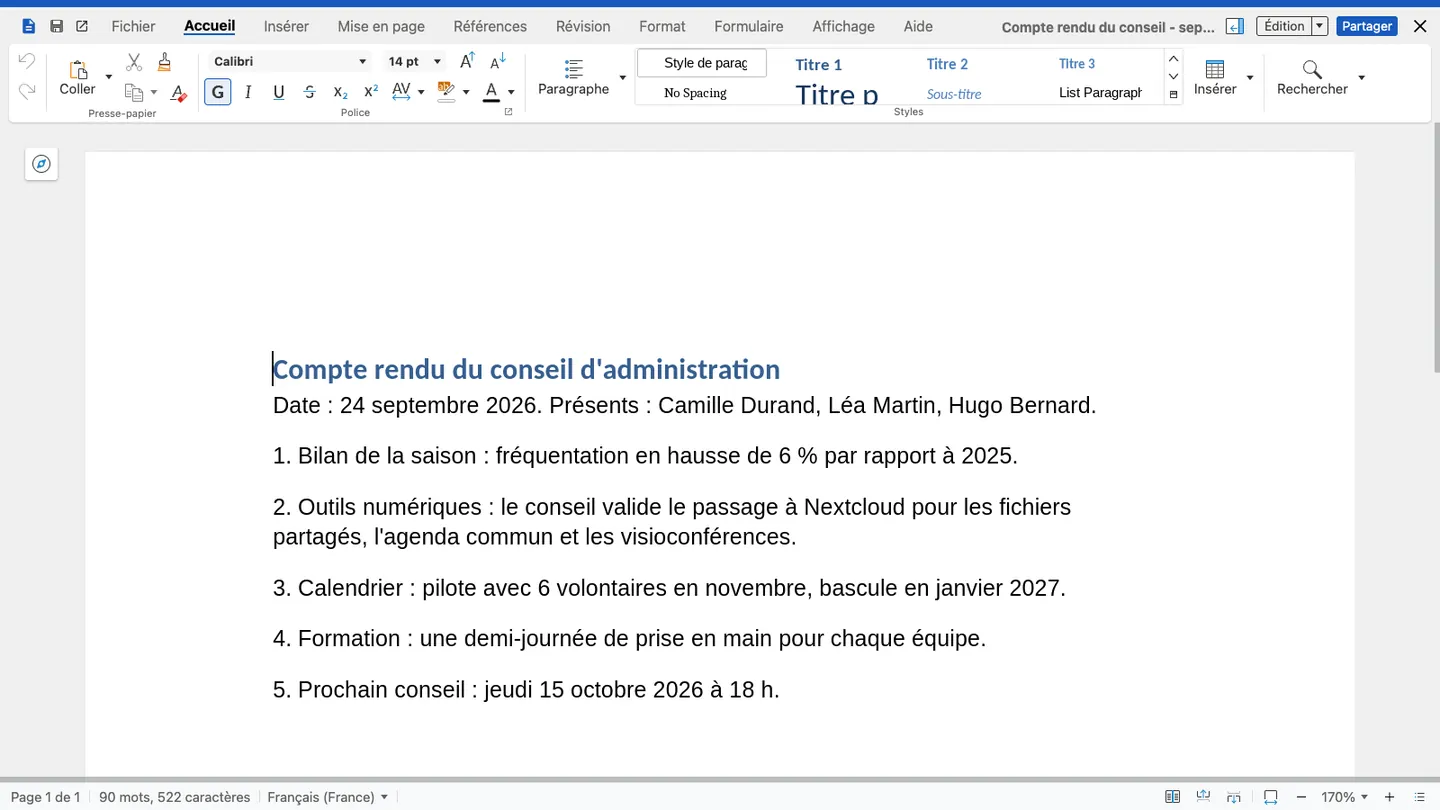
Minutes open in Nextcloud Office

Office documents, edited together in the browser

Nextcloud Office opens .docx, .xlsx and .pptx files in the browser, with Collabora Online or, since June 2026, Euro-Office. In production we install a dedicated editing server, faster than the built-in version meant for small teams.

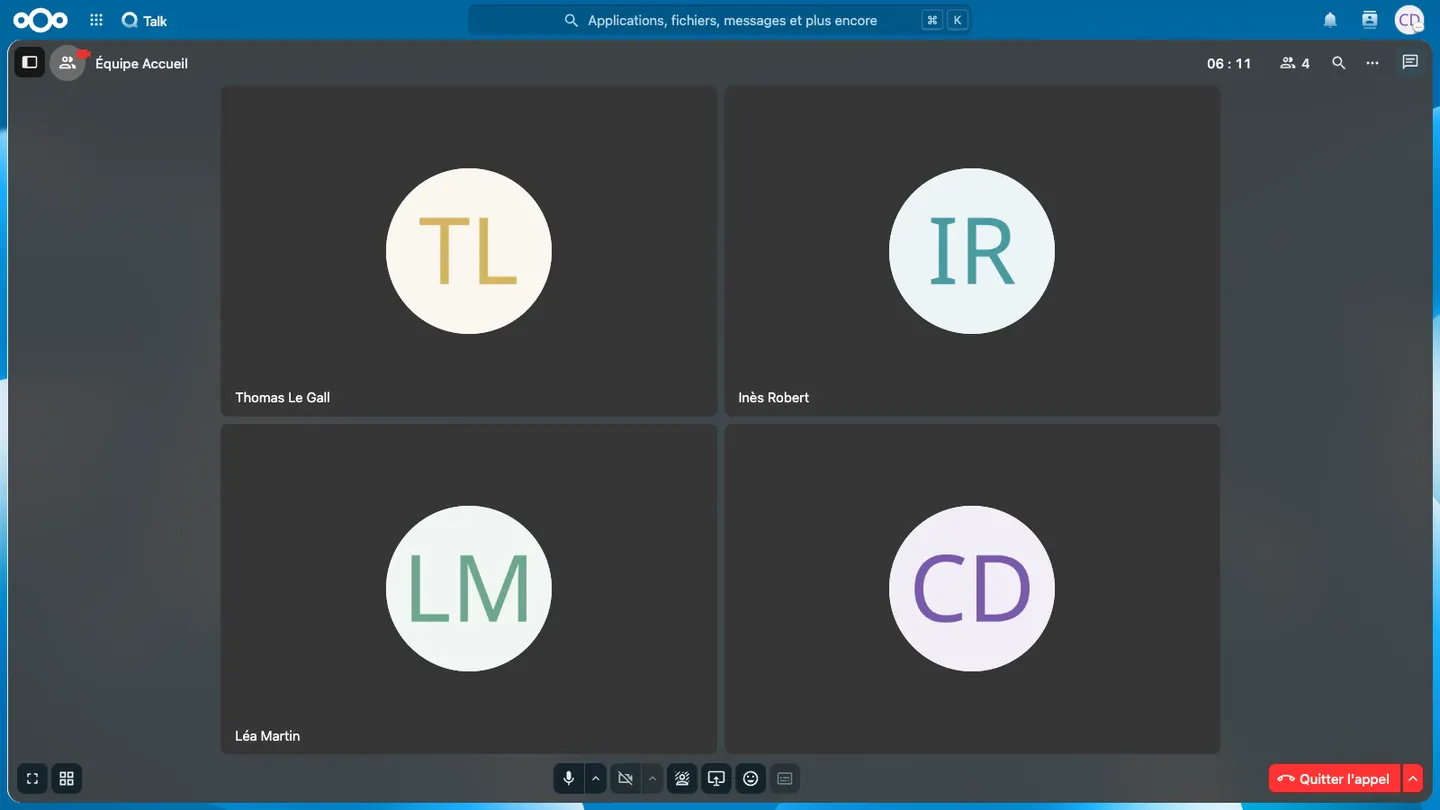
A video call in Nextcloud Talk

Meetings and chats

Talk brings team chats, video calls, screen sharing and guests by link together. Without a dedicated server, a video call holds 5 to 20 participants. We therefore install the High Performance Backend, also free software, which supports 30 to 50 active participants per call.

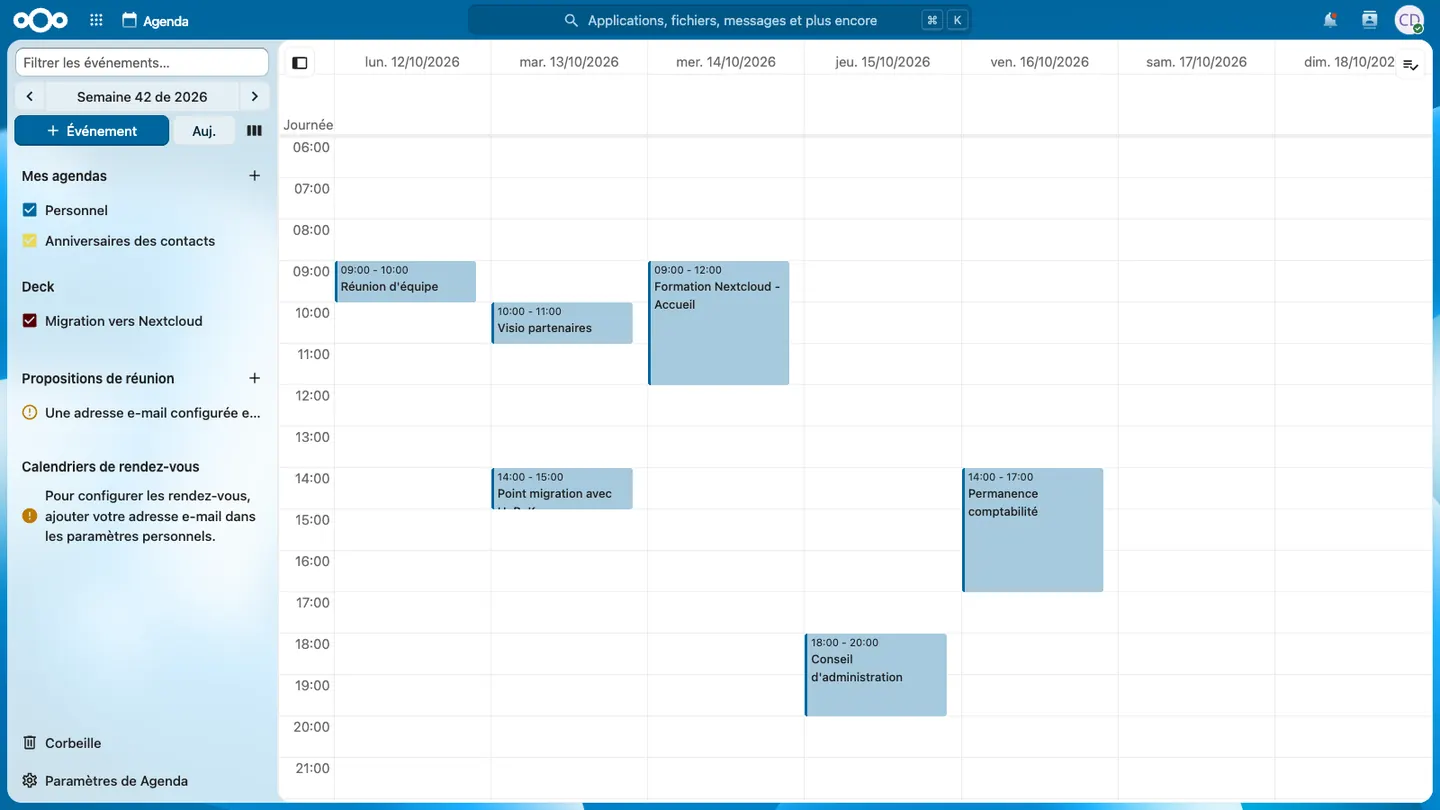
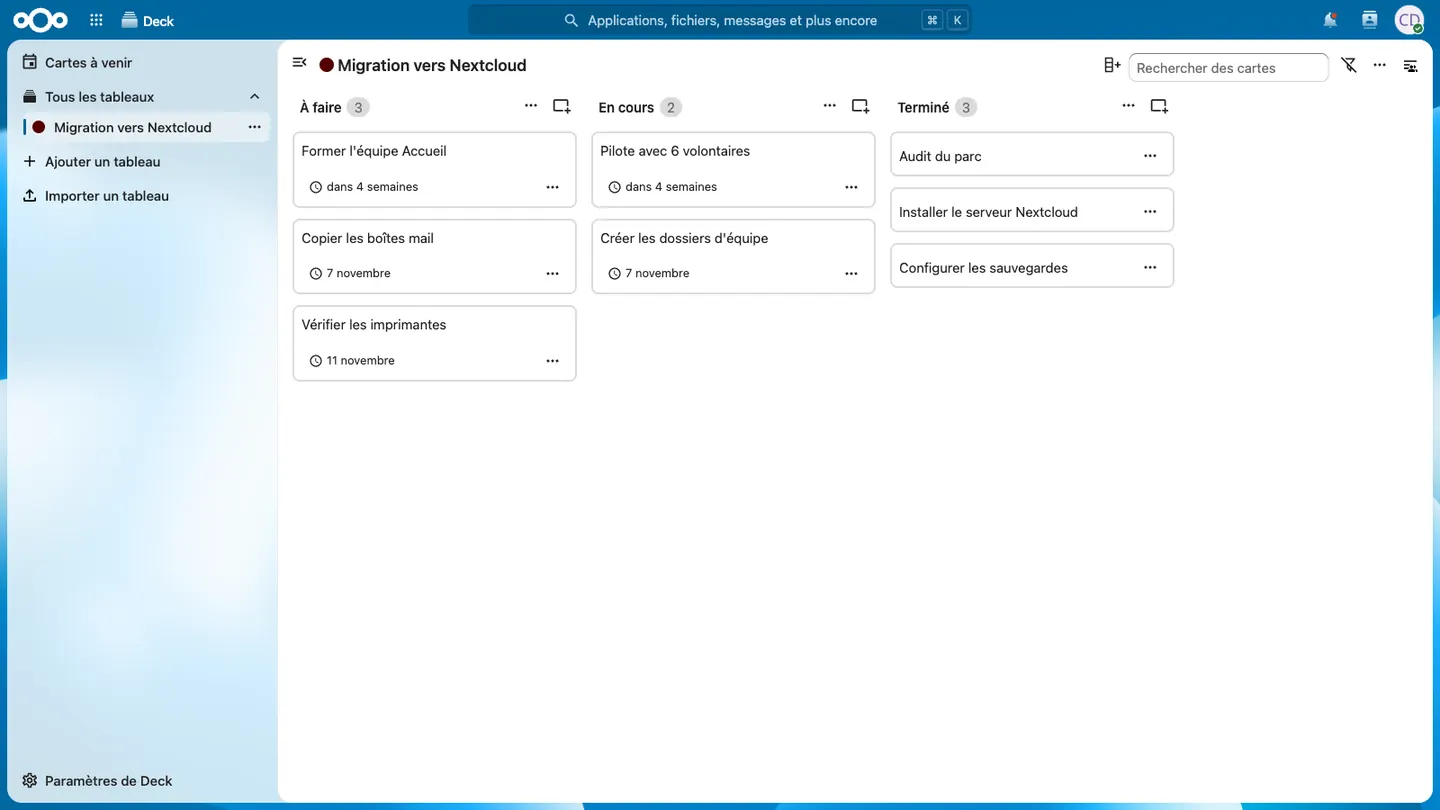
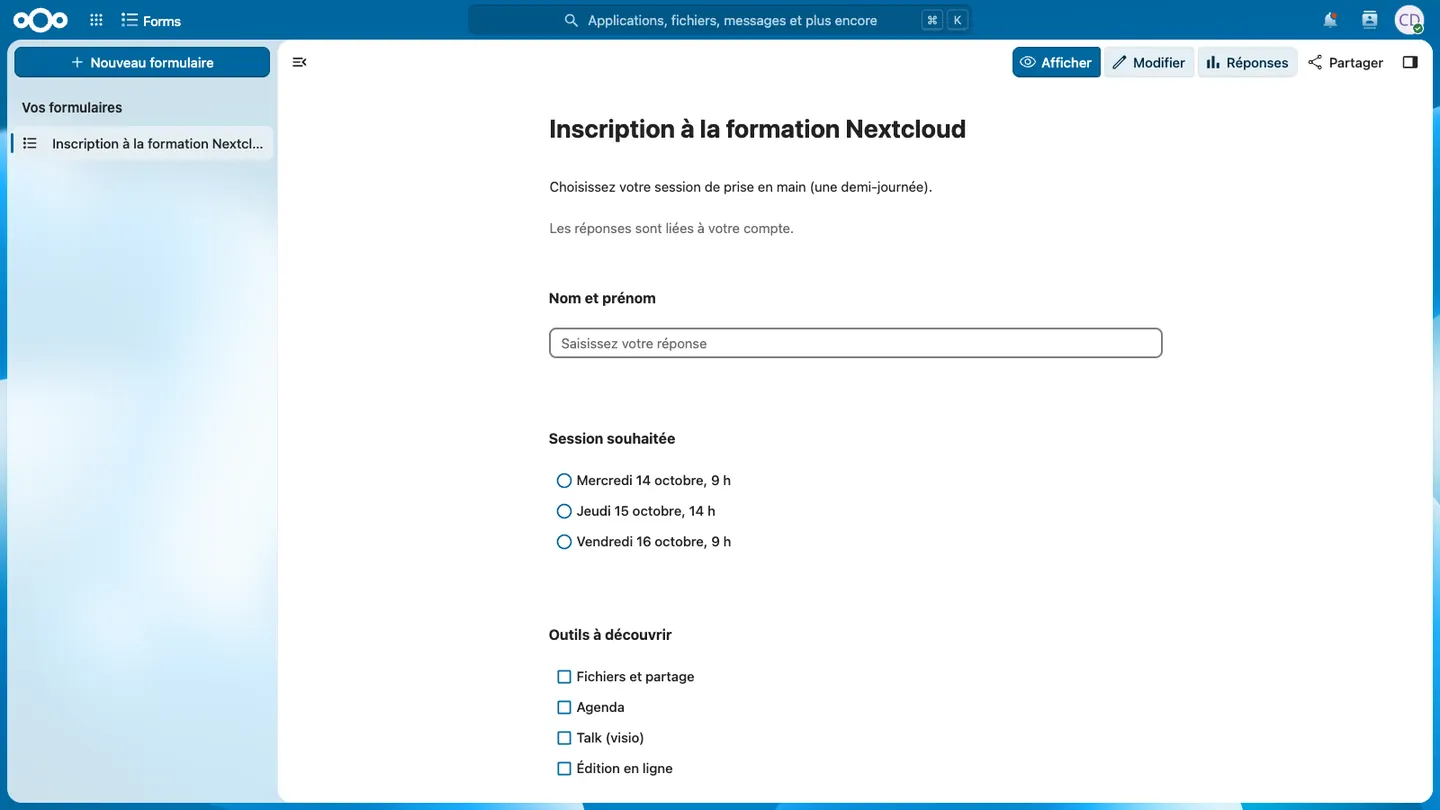
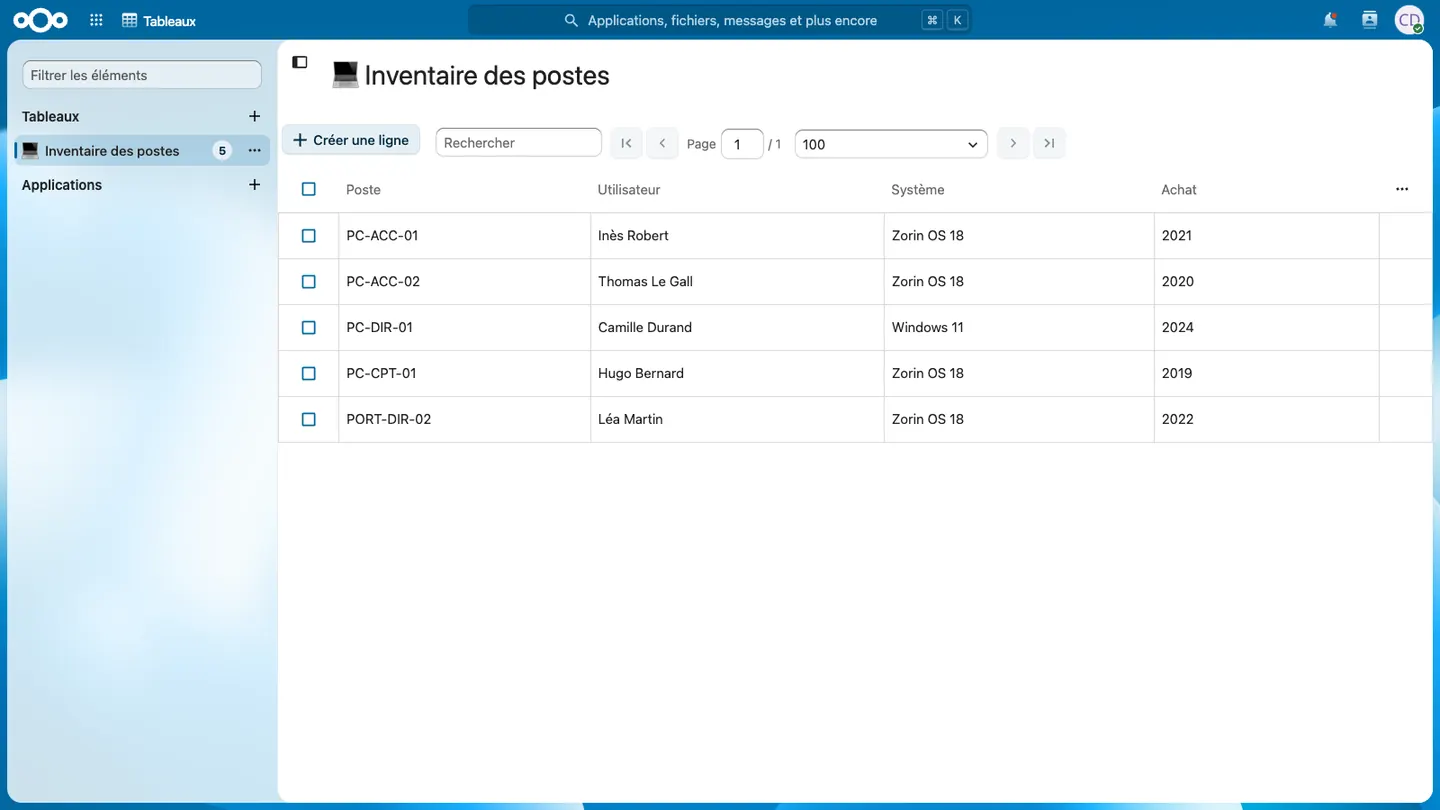
Calendars, tasks, forms and lists

Free version or Enterprise subscription

Up to a few hundred accounts

Nextcloud, free version

The same software, with no subscription. Each version is maintained for one year, and we handle the yearly upgrade as part of maintenance. Above 500 users, mobile app notifications, served by the publisher, are limited.

Large organisations

Nextcloud Enterprise

A subscription with the publisher, from 100 users, with its support and 5 or more years of maintenance on one version, depending on the tier.

For an SME, a non-profit or a small local authority, the free version is enough. We advise the subscription when an organisation goes beyond a few hundred accounts or must stay on one version for several years.

Limits to know

  • Nextcloud is not a mail server. The Mail app connects to an existing mailbox, see our email page.
  • End-to-end encrypted folders cannot be opened in the online editor. We keep this encryption for the most sensitive documents.
  • On Linux, virtual files, downloaded only when opened, arrived with client 35 in October 2026. Until they are stable, we sync folders in full.
  • Rendering of complex Office files, with macros or advanced layout, is checked during the pilot.

Hosting and updates

The server is rented in France in your organisation's name, with backups in another data centre. Monthly patches and the yearly upgrade are part of maintenance.

Migrating to Nextcloud

Files move from OneDrive, SharePoint or a file server to Nextcloud without stopping your teams' work.

  1. Sorting: during the audit, files to archive and duplicates are set aside, which reduces the volume to copy.
  2. Folder plan: each SharePoint site or Teams team becomes a Nextcloud team folder, with the same permissions.
  3. Copy: files are copied server to server with rclone and the Microsoft Graph API. Since Microsoft throttles the transfer rate, allow one to two weeks for 5 TB.
  4. Pilot: a volunteer team works on Nextcloud for four weeks.
  5. Switchover: over a weekend, the latest changes are copied and checked, and everyone moves to Nextcloud on Monday.

Mapping from Microsoft 365

Nextcloud covers what OneDrive, SharePoint, Teams and Outlook do, in a single interface, on your server. The table gives the equivalent of each tool.

Microsoft 365Nextcloud
OneDriveFiles and sync client (Windows, macOS, Linux)
SharePoint, documentsTeam folders, group permissions
SharePoint, intranetCollectives (team wiki)
Word, Excel, PowerPoint onlineNextcloud Office (Collabora Online or Euro-Office)
TeamsTalk: chat, video calls, screen sharing
Outlook, calendarCalendar and Contacts (email stays on a mail server)
PlannerDeck
FormsForms
Lists, Excel used as a databaseTables

Frequently asked questions

Is Nextcloud free?

The software is free and has no per-user licence. The server, installation, operations and, for online editing in production, the supported Collabora Online or Euro-Office edition remain. The quote details each item.

Can we bring our OneDrive and SharePoint files?

Yes, with their folder structure. Only the latest version of each file is copied, without its history.

Does Nextcloud work on phones?

Yes, with the Nextcloud and Talk apps for Android and iOS. Calendars and contacts sync with the phone's own apps.

Where is the data stored?

On a server rented in France in your organisation's name, or on your own servers.

Do you train users?

Yes. The Nextcloud course lasts one day for users and one more day for referents.

Why Hebeko

  • Your servers, in your name

    They are rented in France in your organisation's name, and your data stays there.

  • Documentation handed over

    Audit reports and operations documentation belong to you, whether or not you keep working with us.

  • One engineer as your contact

    The person who answers you is the one who works on your servers and desktops.

Your Nextcloud project

Tell us where your files are today (OneDrive, SharePoint, a file server) and how many users you have. An engineer will reply by email.

contact@hebeko.fr · +33 6 52 89 53 00

How it starts

  1. A one-hour first conversation By video call, with an engineer. You describe your context, tools and constraints, and we show you the relevant software running.
  2. An audit or a scoping phase 2 to 5 days depending on the scope. You receive a report, an action plan and a quote. The report is yours, whatever comes next.
  3. The project, then ongoing support Migration, installation or development, in stages you sign off. Then support, maintenance or managed services, at the level you choose.