Zorin OS is a Linux system built for people leaving Windows: the desktop, taskbar and menu keep their habits, and the technical base is Ubuntu LTS. It is the distribution we recommend by default for the desktops of an SME, a non-profit or a local authority. The French city of Échirolles chose it for its staff in 2024.
On request, we open a Zorin OS desktop for you in 5 minutes, in your browser.
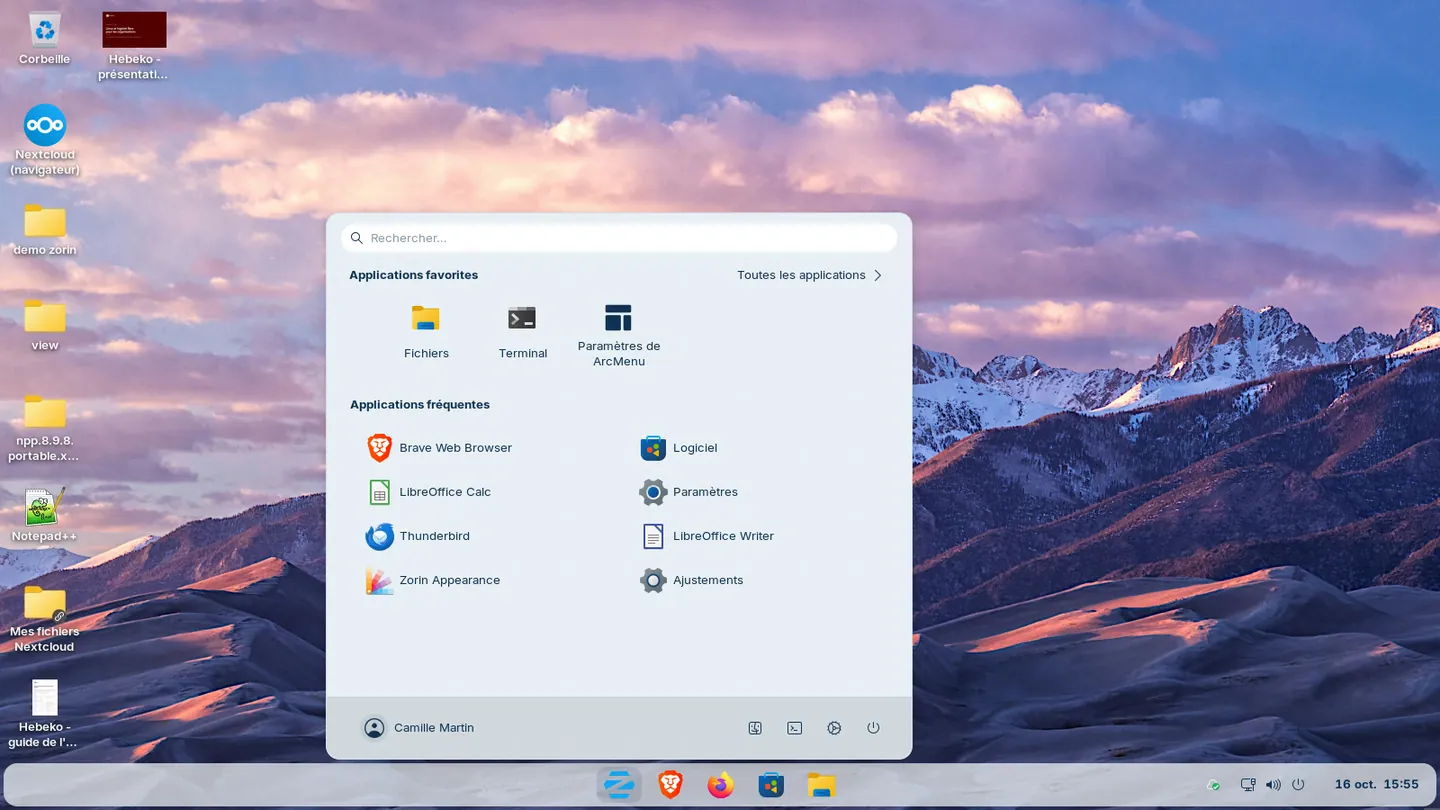
Zorin OS at a glance
| Publisher | Zorin OS Technologies, Dublin (Ireland), founded by Artyom and Kyrill Zorin |
| First release | 1 July 2009 |
| Current release | Zorin OS 18.1 (April 2026), based on Ubuntu 24.04 LTS |
| End of support | June 2029 at the earliest |
| Editions | Core and Education (free), Pro (€47.99 per computer), Lite for older computers |
| Minimum requirements | 64-bit dual-core 1 GHz CPU, 2 GB RAM, 15 GB disk (Core) |
Zorin OS 18 was released on 14 October 2025, the day standard Windows 10 support ended. According to the publisher, it passed one million downloads in just over a month, more than 78% of them from Windows, then 3.3 million in total when 18.1 came out.
Échirolles, a staged rollout
Échirolles (Isère, about 37,000 inhabitants) signed the free software charter in 2014. In November 2021, the city council unanimously adopted its "Échirolles numérique libre 2021-2026" master plan: move everything possible to free software and extend the life of hardware. Nicolas Vivant, director of digital strategy and culture, leads it.
For desktops, the team tested several distributions for months. Zorin OS won unanimously, for these reasons:
- a desktop and shortcuts close to Windows
- joining the Active Directory domain during installation
- a well-documented Ubuntu base, with recent kernels and drivers
- available printer drivers, including for the city's Kyocera copiers
- a software store combining Ubuntu, Flatpak and Snap packages.
Nicolas Vivant puts it simply: "We went with Zorin because it looked like Windows." The city uses the free Core edition and provides support in-house.
The rollout has three stages: a beta test with selected staff, including decision-makers, then a volunteer phase from September 2024 to September 2025, and finally a three-year incentive phase until 2028. In October 2025, France 3 counted about 100 Linux desktops out of roughly a thousand. The city does not aim for all of them: "You will never get 100% of machines on Linux. Never!", Nicolas Vivant warns.
On the staff side, the head of communications, on Linux for a year, told France 3: "For my job and what I do, it works the same way."
The Zorin desktops rely on other free software: GLPI for inventory, MeshCentral for remote assistance, FOG for desktop images, Nextcloud with Collabora for shared documents, LibreOffice, Firefox and Thunderbird. For partners who require Excel, the city provides a remotely accessible Windows server rather than installing Excel on every desktop. Payroll, finance and civil registry stay on their business software.
The city reports savings of about €350,000 a year, between reduced spending and avoided purchases.
Other organisations
In 2016, the Italian city of Vicenza announced a Zorin OS pilot on 700 desktops, for 895 employees. A school in the same province, in Trissino, had already equipped 40 computers.
A familiar desktop
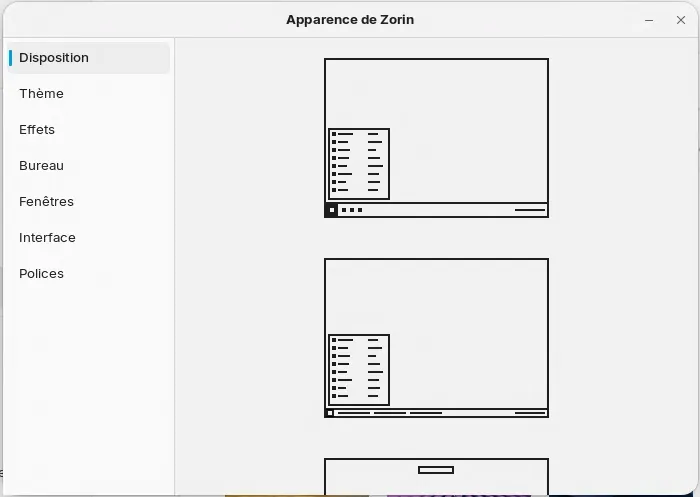
The Zorin Appearance tool sets the desktop layout, with the taskbar at the bottom like Windows or a dock at the top like macOS. The Pro edition offers more layouts.
Zorin OS 18 also brings:
- tiled windows, by dragging a window to the top of the screen
- OneDrive in the Files app, once the Microsoft account is connected
- a tool that turns a website into an app, handy for Microsoft 365 or an online business tool during a transition
- detection of Windows installers: when a known .exe file is opened (more than 240 programs recognised in 18.1), Zorin offers the Linux version, the web version or an alternative.
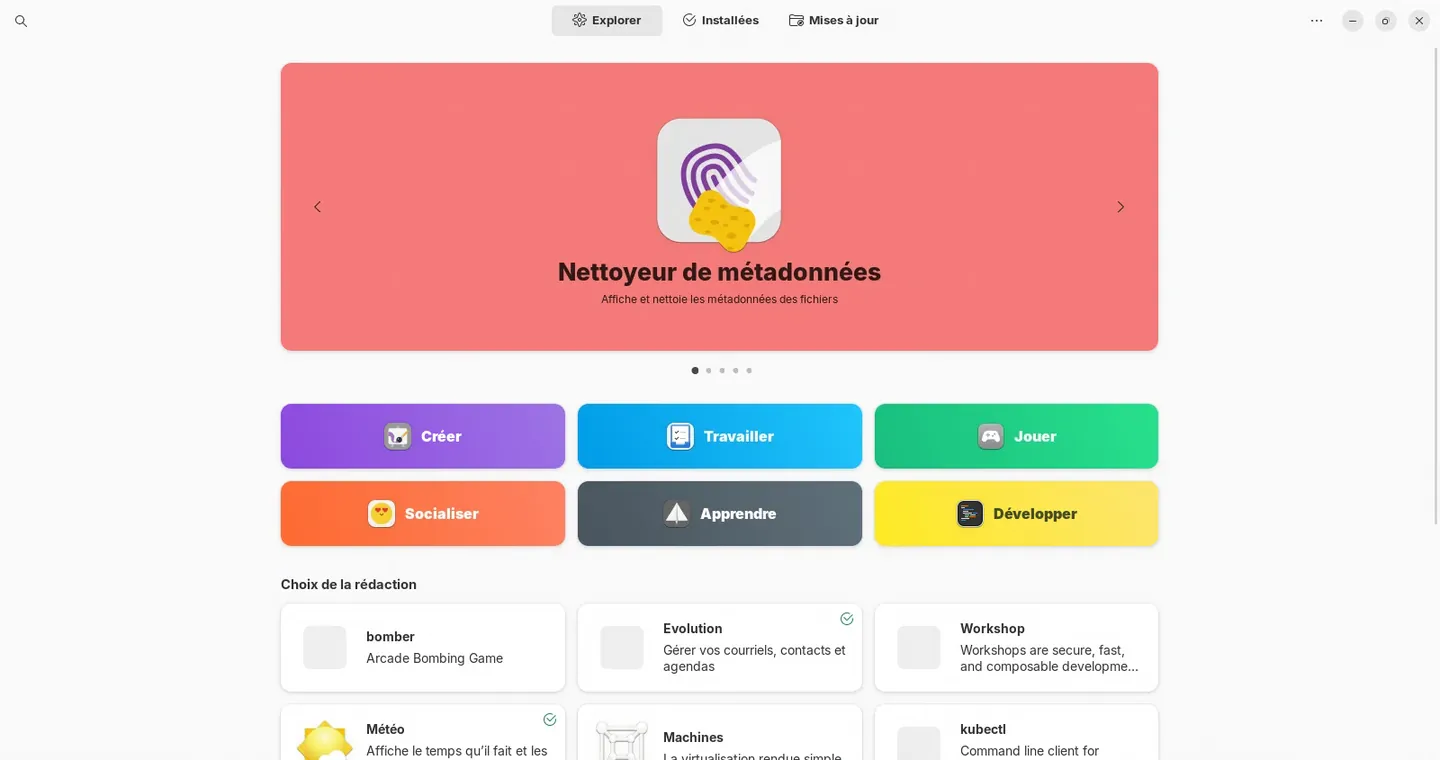
Windows applications
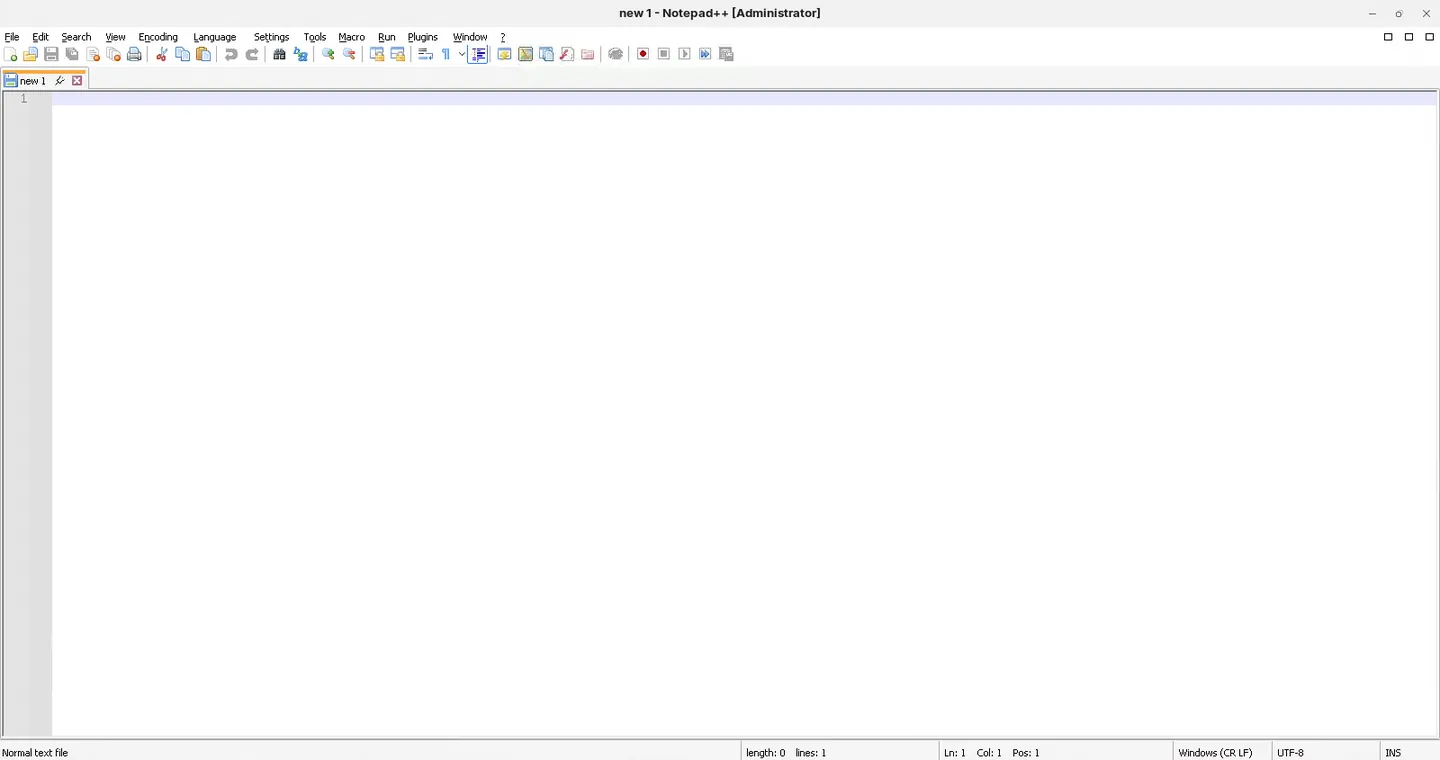
Zorin OS runs some Windows applications through Wine. For a business application, we first look for a web or Linux version, then a free equivalent, and otherwise a Windows desktop or server accessed remotely, as Échirolles does for Excel.
Deploying Zorin OS across a fleet
Since 2020, Zorin has announced a central management tool, Zorin Grid, still not available. Because Zorin is based on Ubuntu, the usual tools work: .deb packages, Ansible to configure desktops, reference images to reinstall a desktop in under an hour, GLPI and MeshCentral for inventory and support.
The desktop we deploy (software, encryption, updates, remote help) is detailed on our Windows to Linux migration page.
Updates
Security fixes come from the Ubuntu and Zorin repositories and can install automatically. Point releases (18.1 and later) arrive the same way. Moving from one major version to the next, from 17 to 18 for example, uses Zorin's upgrade tool.
Is the Pro edition worth it?
It adds desktop layouts, including a macOS-like one, about ten programs and installation help for one computer. For businesses, the licence is paid per computer: about €1,440 for 30 desktops. We recommend the Core edition unless you need a specific Pro layout.
Zorin OS, Linux Mint or Ubuntu?
| Zorin OS 18 | Linux Mint 22 | Ubuntu 26.04 LTS | |
|---|---|---|---|
| Publisher | Zorin OS Technologies (Ireland) | Community project | Canonical (United Kingdom) |
| Base | Ubuntu 24.04 | Ubuntu 24.04 | Debian |
| Desktop | Windows 11, classic Windows or macOS-like layouts | Cinnamon, classic menu and taskbar | GNOME, app dock on the left |
| Support | June 2029 | April 2029 | 2031, up to 10 years with Ubuntu Pro |
| Paid edition | Pro, per computer | None | Ubuntu Pro, free up to 5 computers |
Zorin OS suits users who want Windows habits with no tweaking. Linux Mint is a sober community distribution with a classic desktop. Ubuntu fits a managed fleet with Canonical's support and tools.
Known limits
- A small publisher. Zorin depends on Ubuntu and on its own desktop extensions. Each new release comes late: Zorin OS 18 shipped 18 months after Ubuntu 24.04. A Zorin desktop can still move back to Ubuntu if the project stopped.
- The default browser is Brave. We install Firefox instead.
- Anonymous usage counting (number of installations and versions), which can be turned off during installation.
- No 32-bit version, and difficulties with older Nvidia graphics cards.
Our recommendation
For the desktops of an organisation leaving Windows without an IT team dedicated to Linux, Zorin OS is our default choice. For a fleet run by a technical team, Debian or NixOS also fit. We detail these choices on our Windows to Linux migration page, and user onboarding in our Zorin OS training.
Try Zorin OS in 5 minutes
On request, we open a Zorin OS desktop for you in 5 minutes, in your browser. Contact us.
Sources
- Zorin OS 18 is here, Zorin blog, 14 October 2025
- Zorin OS 18.1 is released, Zorin blog, 15 April 2026
- 1 million downloads of Zorin OS 18, Zorin blog, 18 November 2025
- System requirements and Windows App Support, Zorin documentation
- Zorin OS 18.1 released, The Register, 21 April 2026
- Pourquoi et comment Échirolles a choisi Zorin OS, Nicolas Vivant, 12 October 2024
- Passer au libre, c'est changer de monde, transcript of Nicolas Vivant's talk at Capitole du Libre, 15 November 2025
- Échirolles chooses free software to replace Windows, France 3 Auvergne-Rhône-Alpes, 15 October 2025
- Free software in Échirolles, city website
- "Échirolles numérique libre 2021-2026" master plan, city of Échirolles
- The city of Vicenza is choosing Zorin OS, Zorin blog, 29 April 2016