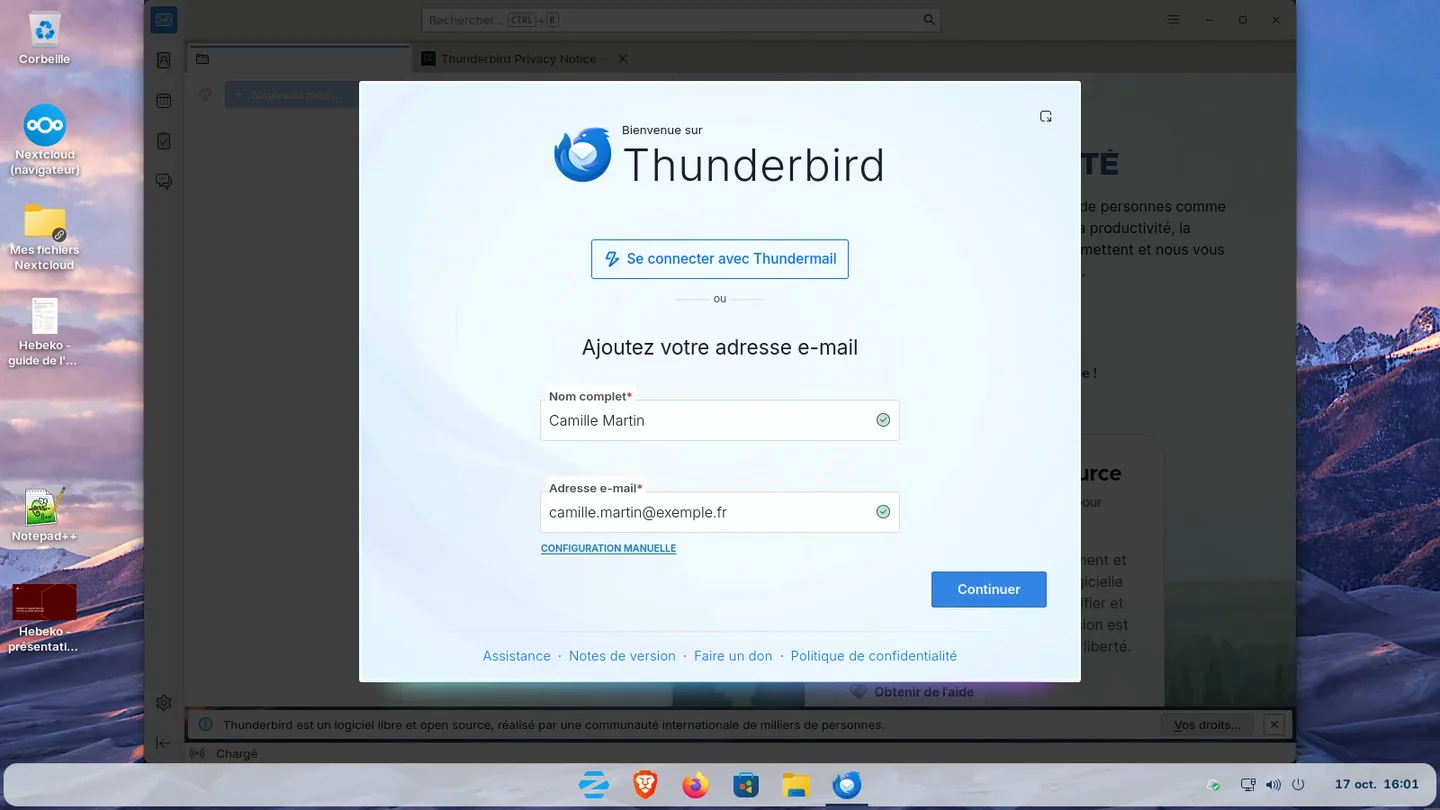
A migration from Outlook to Thunderbird covers five items: mail, PST archives, contacts, calendars, then signatures and rules. Mail kept on the server needs no import. PST archives go through Thunderbird's import tool when Outlook is still installed on the computer, and through a conversion to mbox otherwise.
Taking inventory
| Item | Where it is in Outlook | How it moves to Thunderbird |
|---|---|---|
| Online mail | On the server (Exchange, IMAP) | Thunderbird downloads it when it connects to the account |
| Local archives | .pst files on the computer or a network share | Import by Thunderbird, or conversion to mbox |
| Contacts | Outlook or server address book | CSV or vCard export, or CardDAV sync |
| Calendars | Outlook or server calendar | iCalendar export, or CalDAV sync |
| Signatures | %APPDATA%\Microsoft\Signatures folder | Copied into the central configuration |
| Mail rules | Outlook rules | Recreated as Thunderbird filters, or server-side filters |
Also list the Outlook add-ins in use and the shared mailboxes: each needs an equivalent.
Mail kept on the server
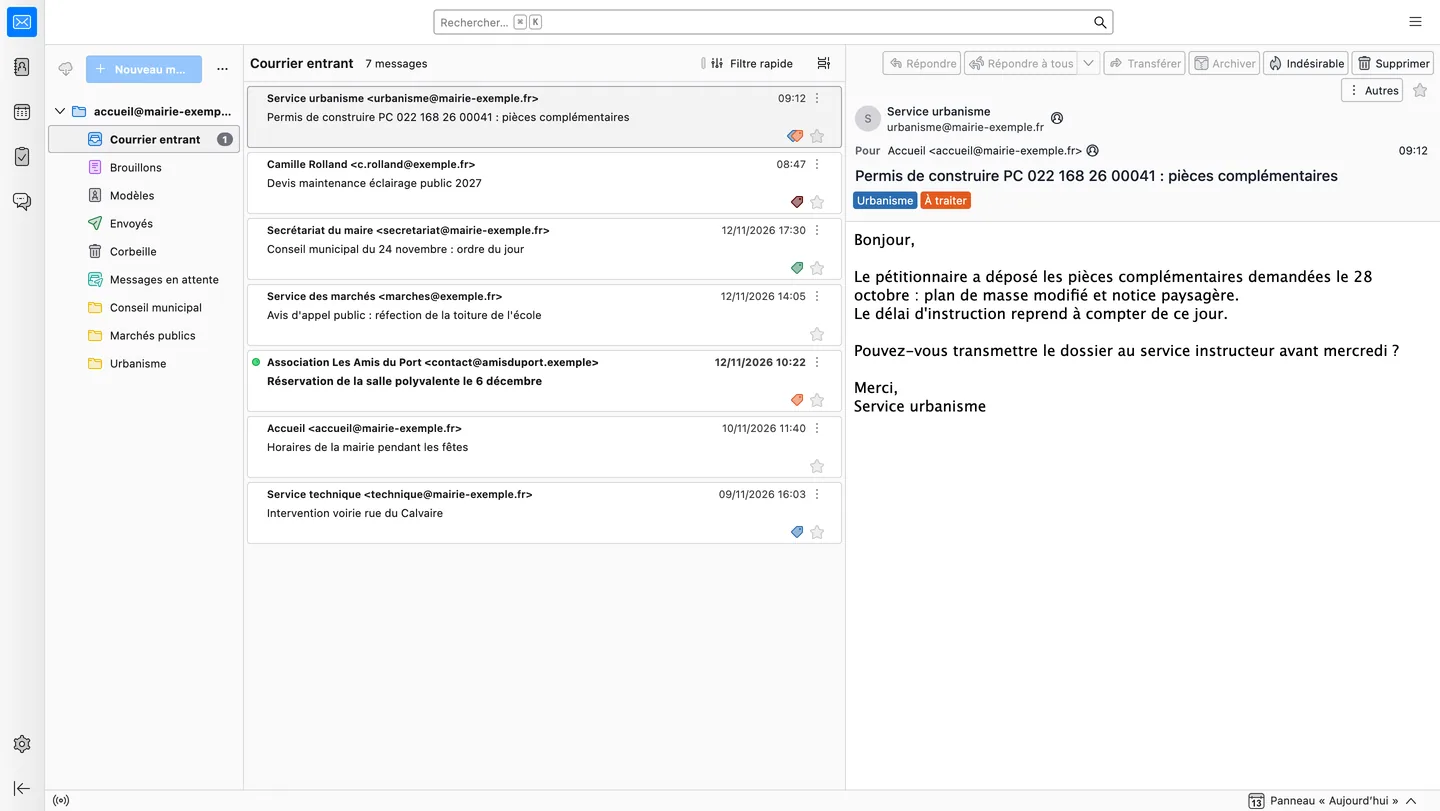
If mailboxes stay with the same provider, Thunderbird connects to the account and downloads the folders. It supports IMAP with any provider, Exchange through Exchange Web Services (EWS) since version 153 ESR, and Microsoft 365 through Microsoft Graph since version 154.
If you are also changing email provider, mailboxes are first copied server to server with imapsync, in several passes. Computers then connect to the new server, with the same addresses. Our page Replacing Exchange and Outlook describes this step.
PST archives
Thunderbird cannot read a PST file on its own. There are two cases.
Outlook is still installed on the computer. Thunderbird's import tool (Tools menu, Import) reads the data through Outlook. According to Mozilla support, the PST file must be open in the default Outlook profile, and Outlook must be the default mail client.
Outlook is no longer installed. We convert PST files to mbox with readpst, a free software tool from the libpst project, which keeps the folder structure. The mbox files are then imported into Thunderbird with the ImportExportTools NG add-on.
readpst -r -o archives-mbox/ archives-2019.pstFor a fleet, the conversion runs once on an admin computer. The archives then go into a Thunderbird local folder, or are copied to the mail server, where they remain available from the webmail.
Contacts
Outlook exports contacts as CSV, and Thunderbird imports that file into an address book. If contacts are on the server (Zimbra, SOGo, Nextcloud), Thunderbird syncs them over CardDAV, like phones do, and no export is needed.
Calendars
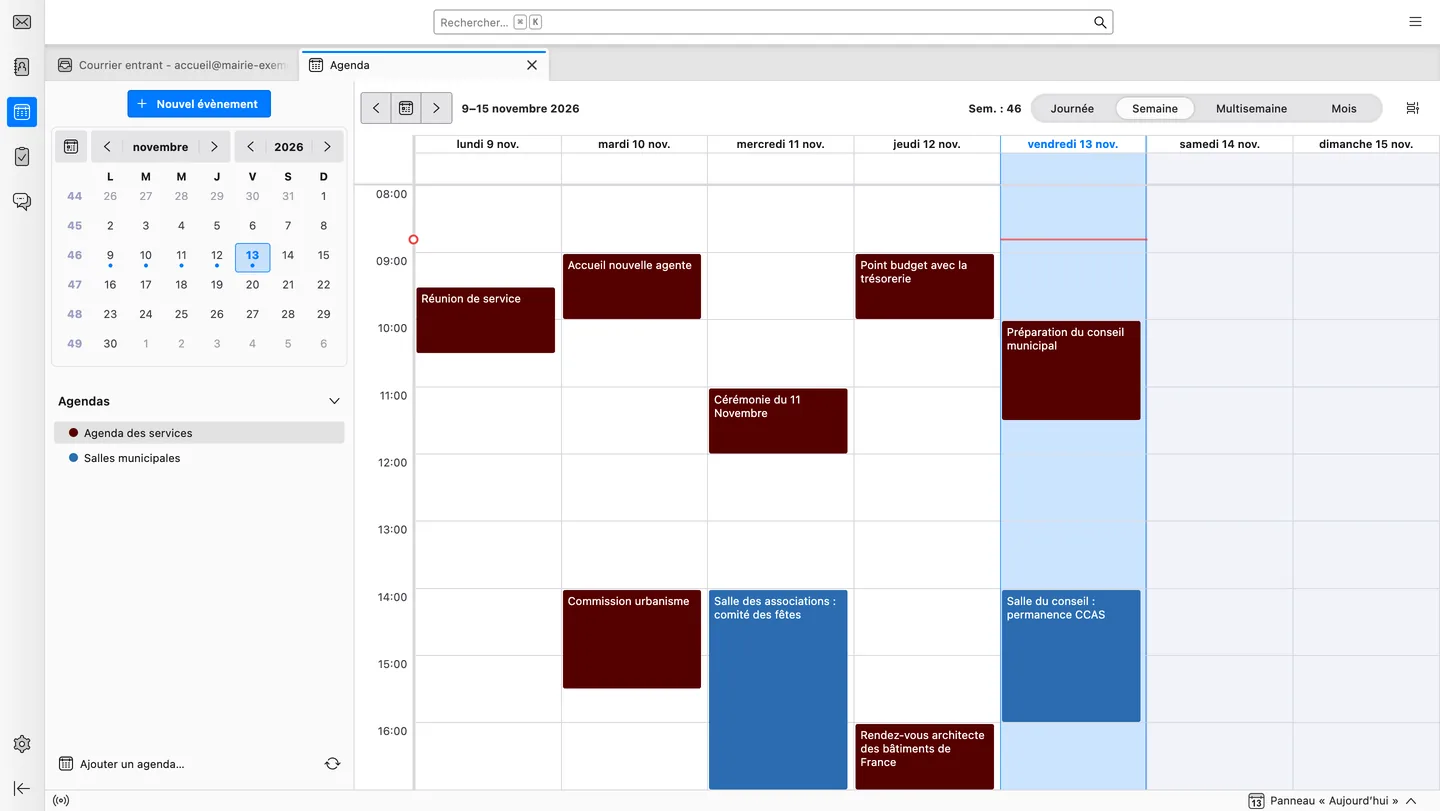
An Outlook calendar can be saved as iCalendar (.ics), which Thunderbird imports. For shared calendars, CalDAV sync with the mail server or Nextcloud works better: everyone sees the same appointments, on computer and phone.
Signatures, rules and templates
- Outlook signatures are HTML files. We move them into Thunderbird's central configuration, one per identity, locked if you wish.
- Outlook rules cannot be imported. They become Thunderbird filters, or server-side filters so they also apply on phones.
- Reply templates move to the Quicktext add-on, with a template file shared by the whole team.
Testing, then training
flowchart LR
  A["Inventory<br/>accounts, PST, rules"] --> B["Pilot<br/>a few computers"]
  B --> C["Deployment<br/>Thunderbird and shared settings"]
  C --> D["Archives<br/>import or conversion"]
  D --> E["Training<br/>and follow-up"]
A pilot on a few computers checks accounts, archives and add-ons before rolling out to the whole fleet. Training covers folders, filters, search, shared calendars and templates. Our page Thunderbird for business covers deployment through MSI, WAPT or GPO.
Frequently asked questions
Can a PST file be imported into Thunderbird without Outlook?
Yes, in two steps. readpst, a free software tool, converts the PST to mbox and keeps the folders. The ImportExportTools NG add-on then imports these files into Thunderbird.
Does Outlook need to stay installed during the migration?
Only to import PST files with Thunderbird's tool, which reads data through Outlook. With a readpst conversion, Outlook can be uninstalled beforehand.
Do Outlook mail rules move to Thunderbird?
No, they are recreated. Thunderbird filters cover the same uses, and server-side filters also apply on phones.
Does Thunderbird read Exchange calendars?
Not natively yet: Thunderbird's Exchange support covers email. Calendars go through CalDAV when the mail server offers it, as Zimbra, SOGo or Nextcloud do.
Hebeko can help
Hebeko moves computers from Outlook to Thunderbird for small businesses, non-profits and local authorities: inventory, archive conversion, deployment with the same settings on every computer, user training.
To prepare your migration, write to us.
Sources
- Can I import emails from Outlook that I have saved in a .pst file?, Mozilla support
- libpst and readpst, libpst project
- ImportExportTools NG, Thunderbird add-ons catalogue
- Thunderbird 153 : nouvelle version ESR, support Exchange natif et 61 failles corrigées, IT-Connect, 24 July 2026
- Thunderbird 154 Adds Microsoft Graph Support for Microsoft 365, IT-Connect, August 2026